
In order to avoid unwanted launch of adult 18+ content, as well as limit the possibility of paying for additional content, Microimpuls templates implement additional protection in the form of pin codes.
By default, the pin code fully matches the account password — when creating a subscriber through the Smarty administrative panel (if no value was entered in the line « Pin code »), or, when registering a subscriber through the portal, the account will be assigned a pin code that matches the account password.
If the operator has an external billing through which all new subscribers are registered, and there is a need to set the subscribers a pin code other than the account password, then this can be implemented through the parameter parent (can be used as a method) account creationboth in method account changes).
Logic of pin codes in the portal application
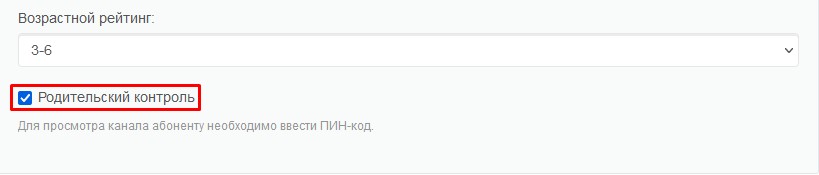
By default, the requirement to enter a pin code in the application will appear every time you try to run content (channels, archived channels, movies) that has the flag « Parental Control» in the block « Availability Options» in Smarty.
With an option set_parent_control_for_adult_rated_videos you can change the logic of behavior so that, in addition to content with the flag « Parental Control», the pin code is requested for all films and TV series with an age rating «18+».
More about this option can be found in the section «Options of the portal ».
Also, in some templates (for example, the Futuristic template) using the option default_purchase_content_access_mode you can limit by default access to paid content in such a way that there is a requirement to enter a pin code before buying.
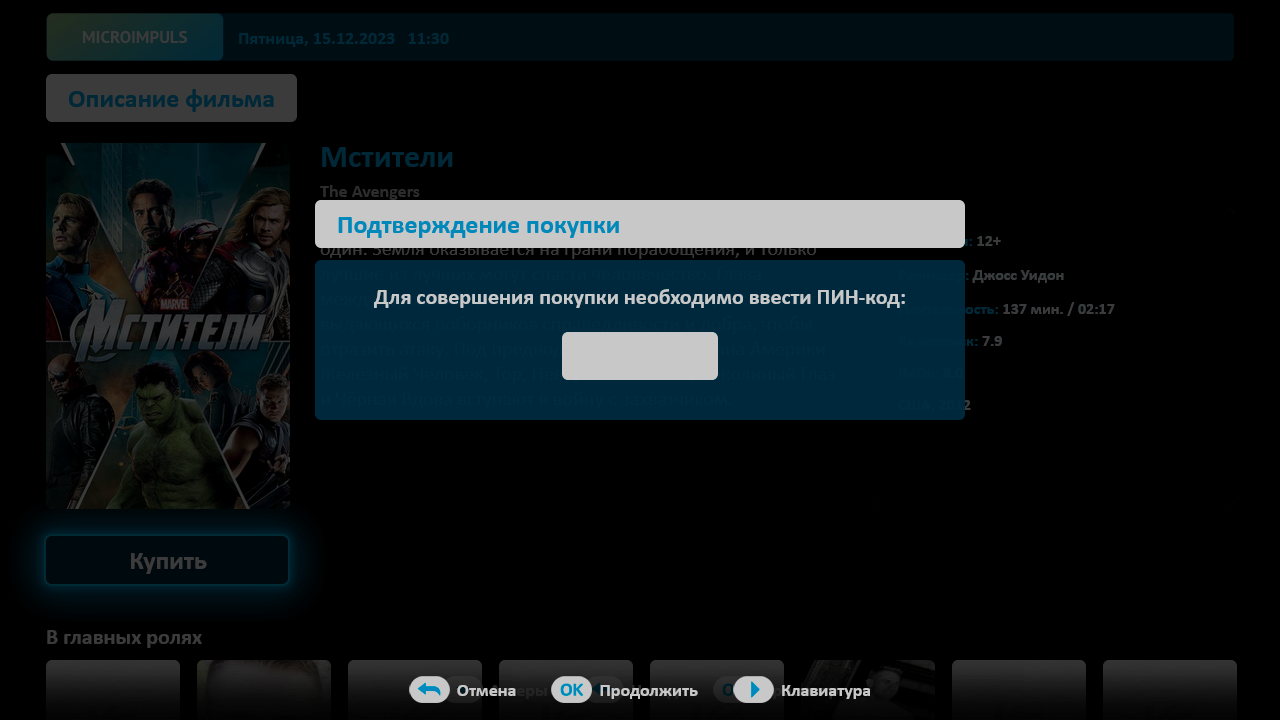
The availability of support for this option should be specified in the documentation for the template of interest. For example: futuristic.
If desired, the subscriber can independently change the pin code or completely disable the requirement to enter the pin code when including content with parental control or buying content.
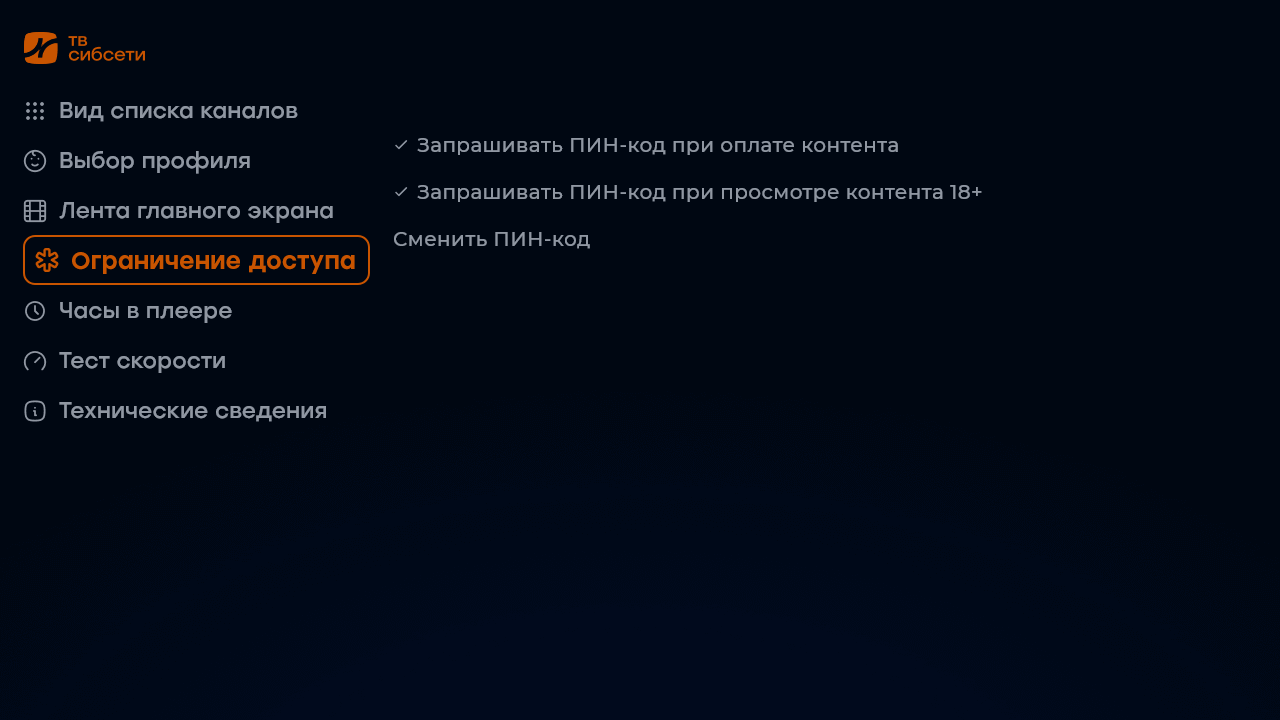
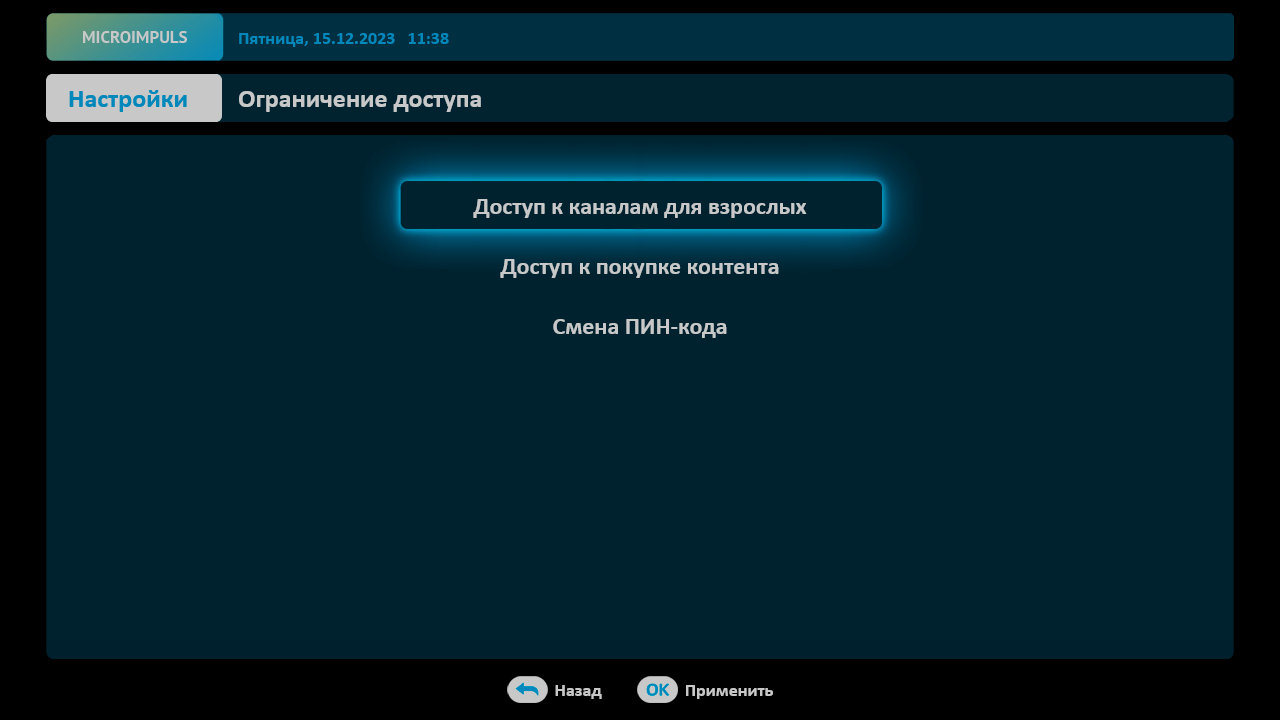
Additionally, the subscriber can independently add or remove the requirement to enter a pin code for certain channels using the screen to change the sorting of channels (if there is such a possibility in the template).
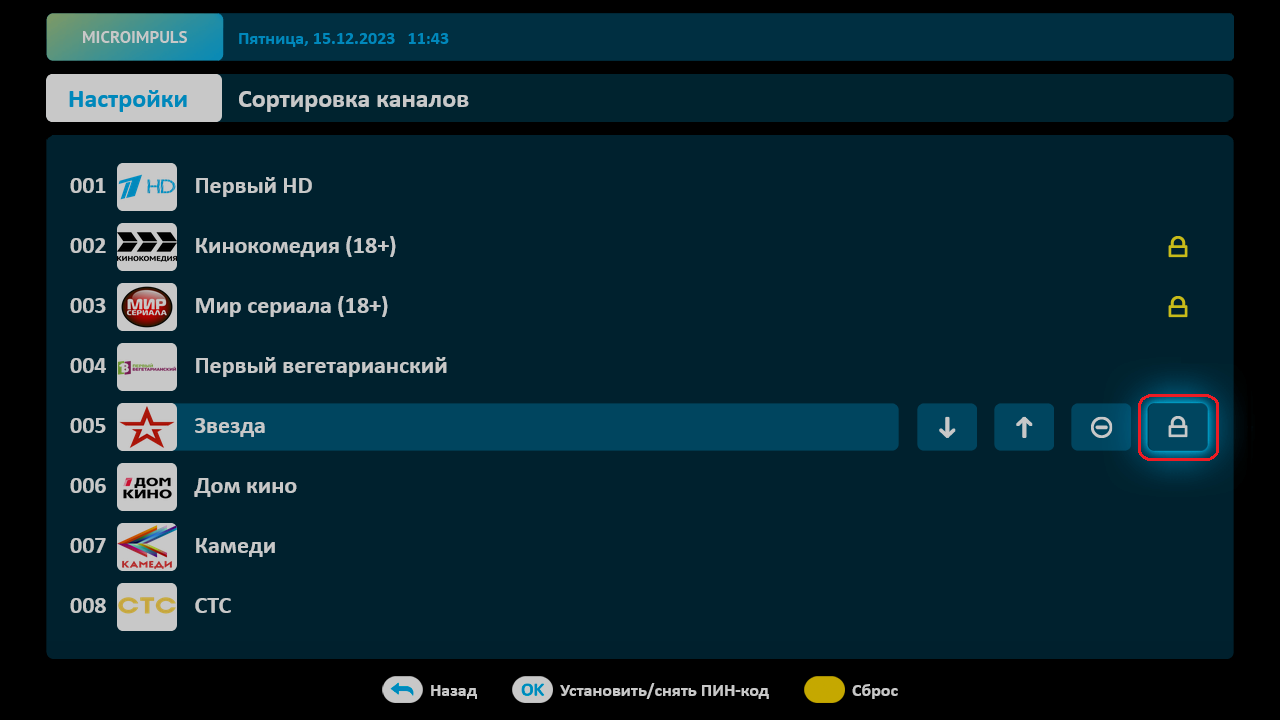
Attention: custom settings on the requirement to enter a pin code are reset when the application is reinstalled.
