
- On the main screen, you will need to find the Browser app and run it.
- In the address bar of the browser enter hisense://debugthe next window will open
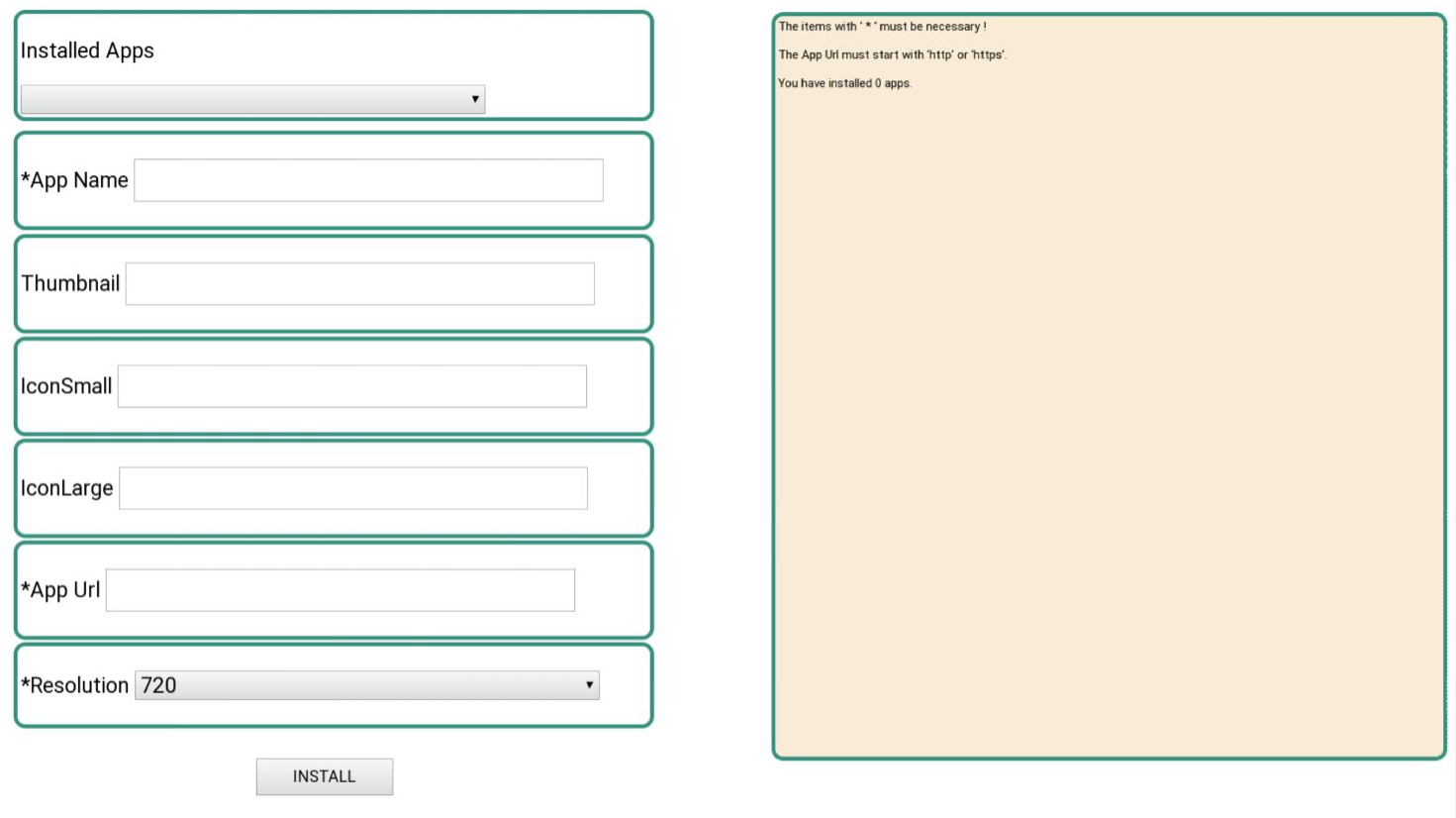
3. You need to fill in the App Name and App Url fields, the remaining fields (IconSmall, IconLarge, Thumbnail) are optional. In the Thumbnail field, you can specify a link to the application icon.
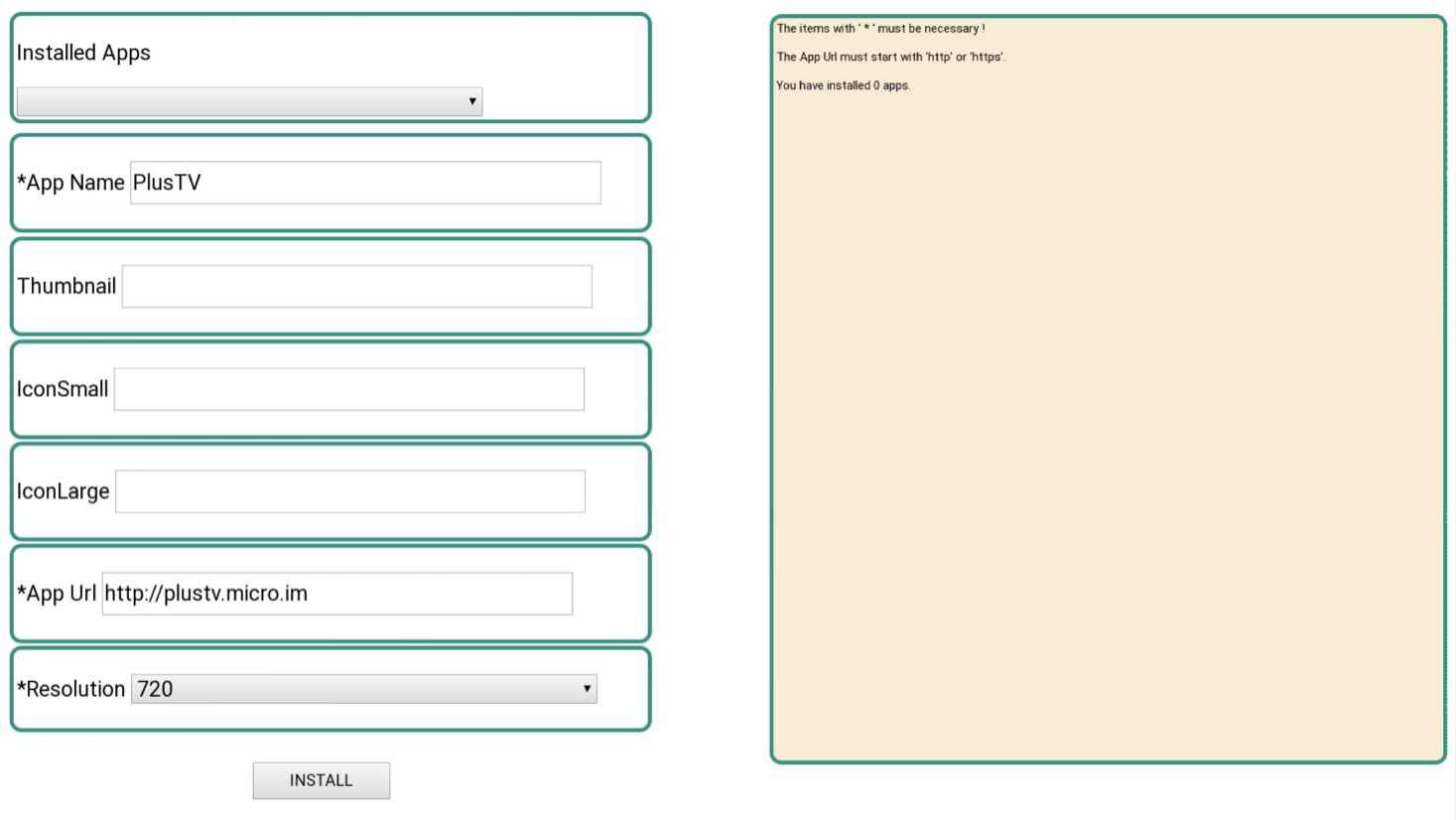
4. Press the button Install. In the console on the right should appear message Installation COMPLETED!
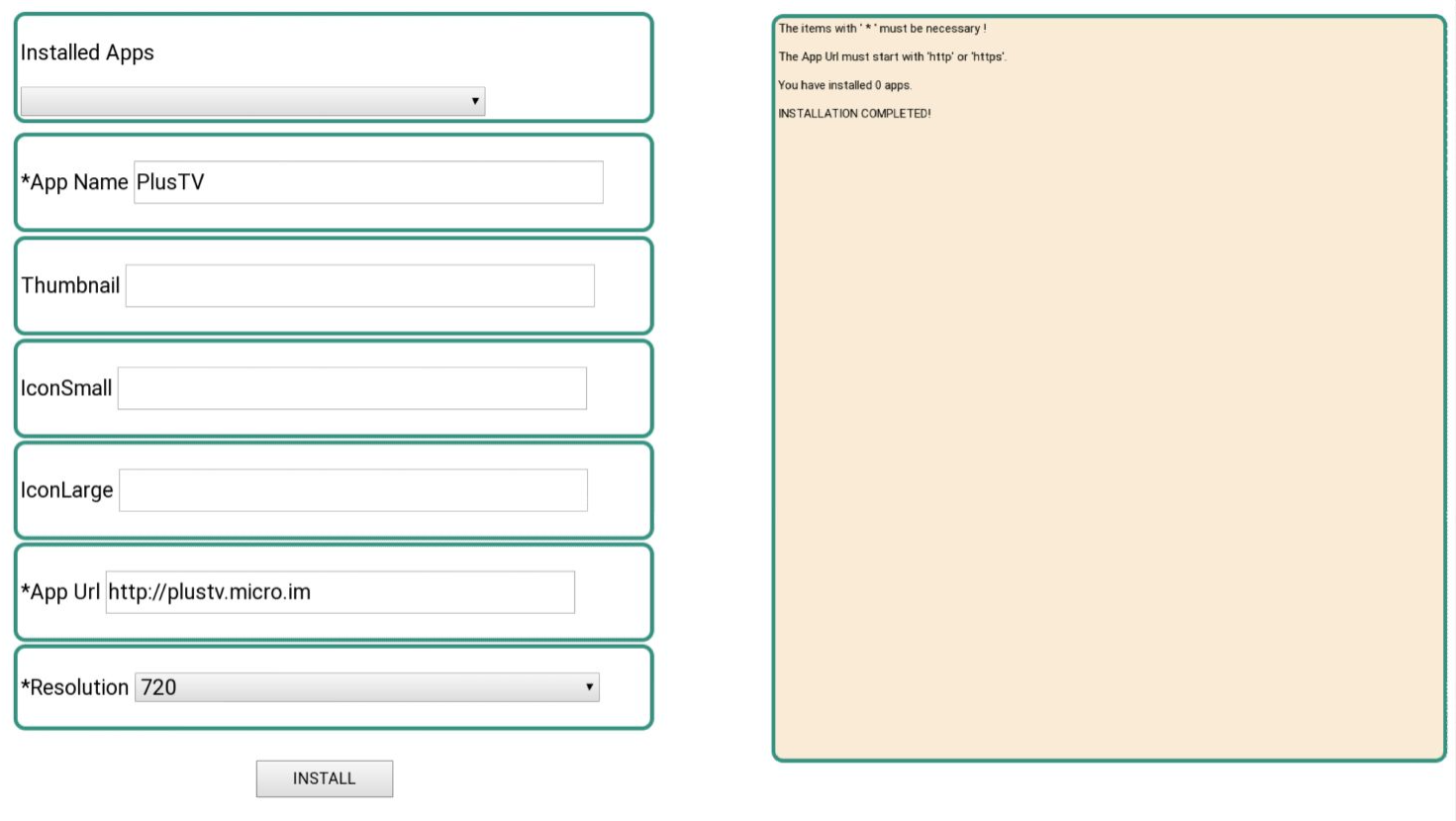
5. The installed app can be found in the My Apps TV section, at the end of the list. Depending on whether the Thumbnail field is filled, it will be with or without an icon.
Attention! Only Sibseti and Futuristic interfaces have been adapted for these devices.
