Smarty contains a module for integration with the online cinema PREMIER, which includes the following functionality:
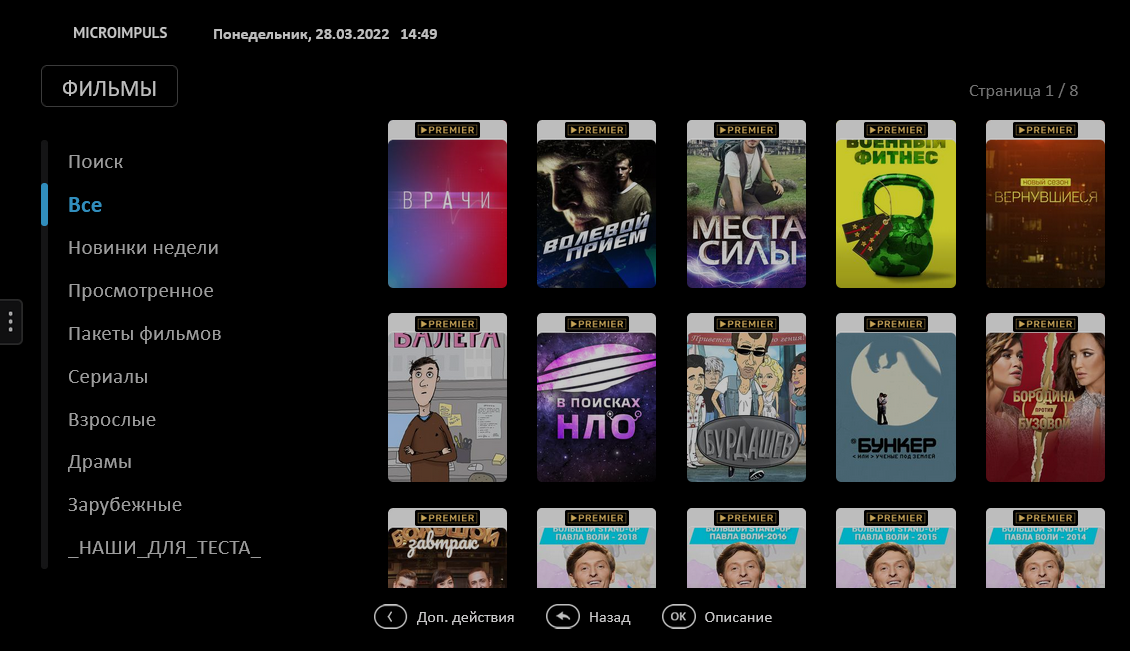
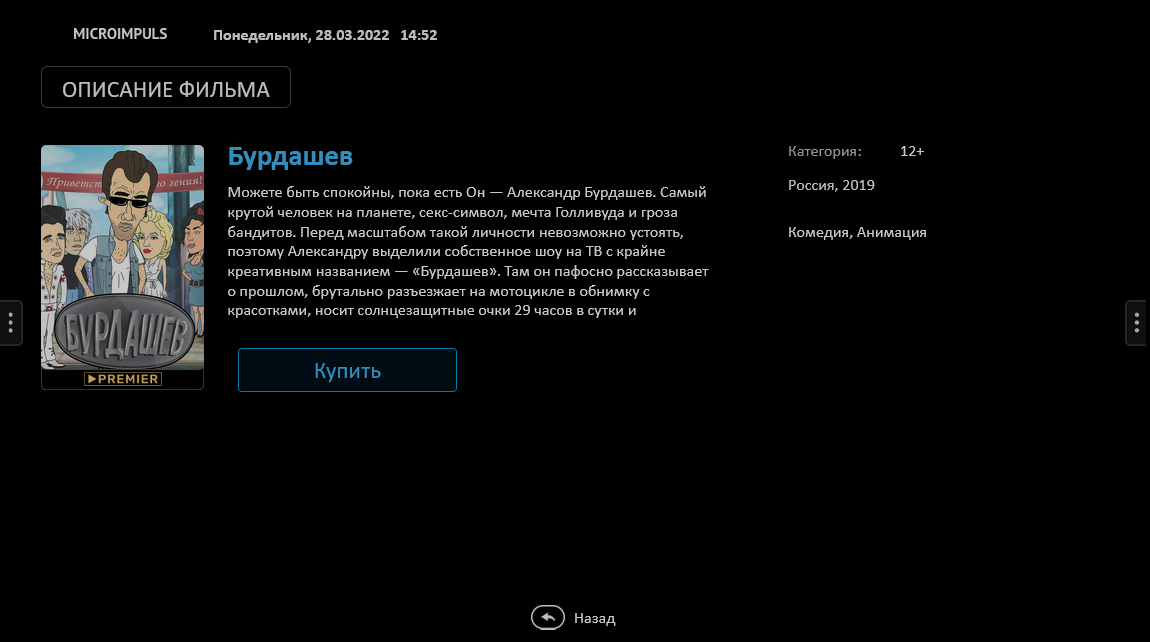
- Synchronization of PREMIER movies and TV series with the built-in Smarty video library (names, description, genres, covers, etc.);
- All standard functions of the built-in Smarty video library (search, filtering, sorting, grouping by genre, etc.);
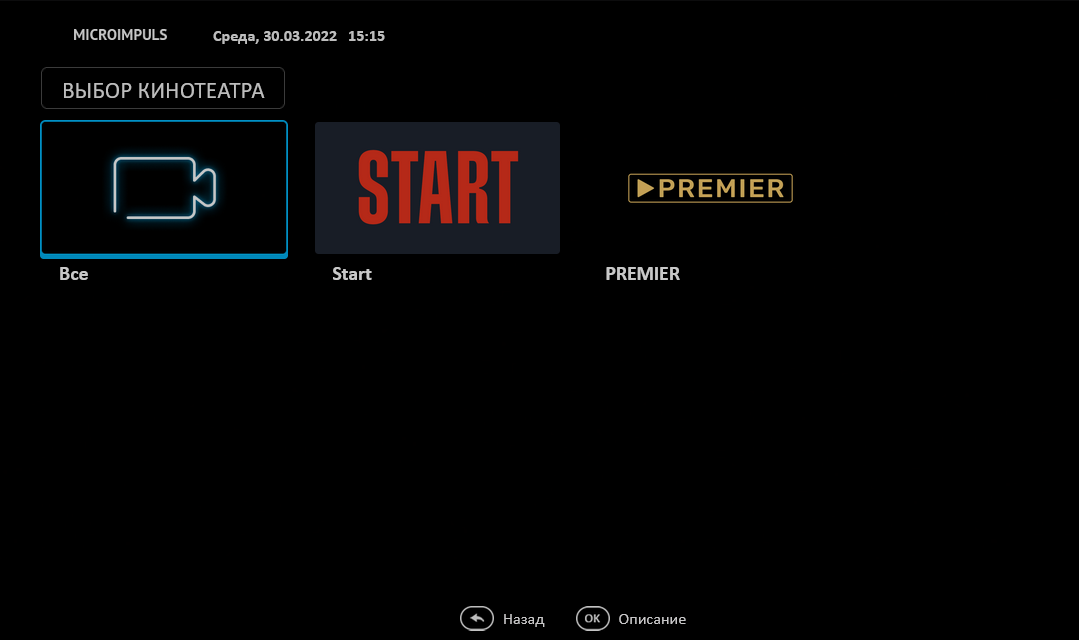
- Transparent integration into standard Microimpuls applications on different devices — a single interface for viewing TV, VOD and other services, familiar to the subscriber.
Preparation of Smarty configuration
In order to connect the integration with the PREMIER cinema, it is necessary to carry out preliminary preparation of the Smarty configuration:
1. Connect the premier module in the Smarty configuration in the section INSTALLED_APPS:
INSTALLED_APPS +=
//. .
Premier,
)
2. Reboot Smarty:
sudo service uwsgi restart3. Perform data migration:
python manage.py migrate --settings=settings.Configure the Premier module in Smarty
After the preparatory steps have been completed, you can proceed to configure the PREMIER module in Smarty. To begin with, it is recommended to create two tariff plans:
- Hidden tariff package with access type « Display content in the list without the possibility of launching» . This tariff will be used to allow subscribers to access the PREMIER movie catalog. In order for all new users to have access to the PREMIER movie directory, we recommend activating the option « connectable by default in the tariff configuration;
- Fee package with access type «Access to view content » which will be used to subscribe to the movie package.
Once the tariff plans have been created, you can proceed to adjust the integration:
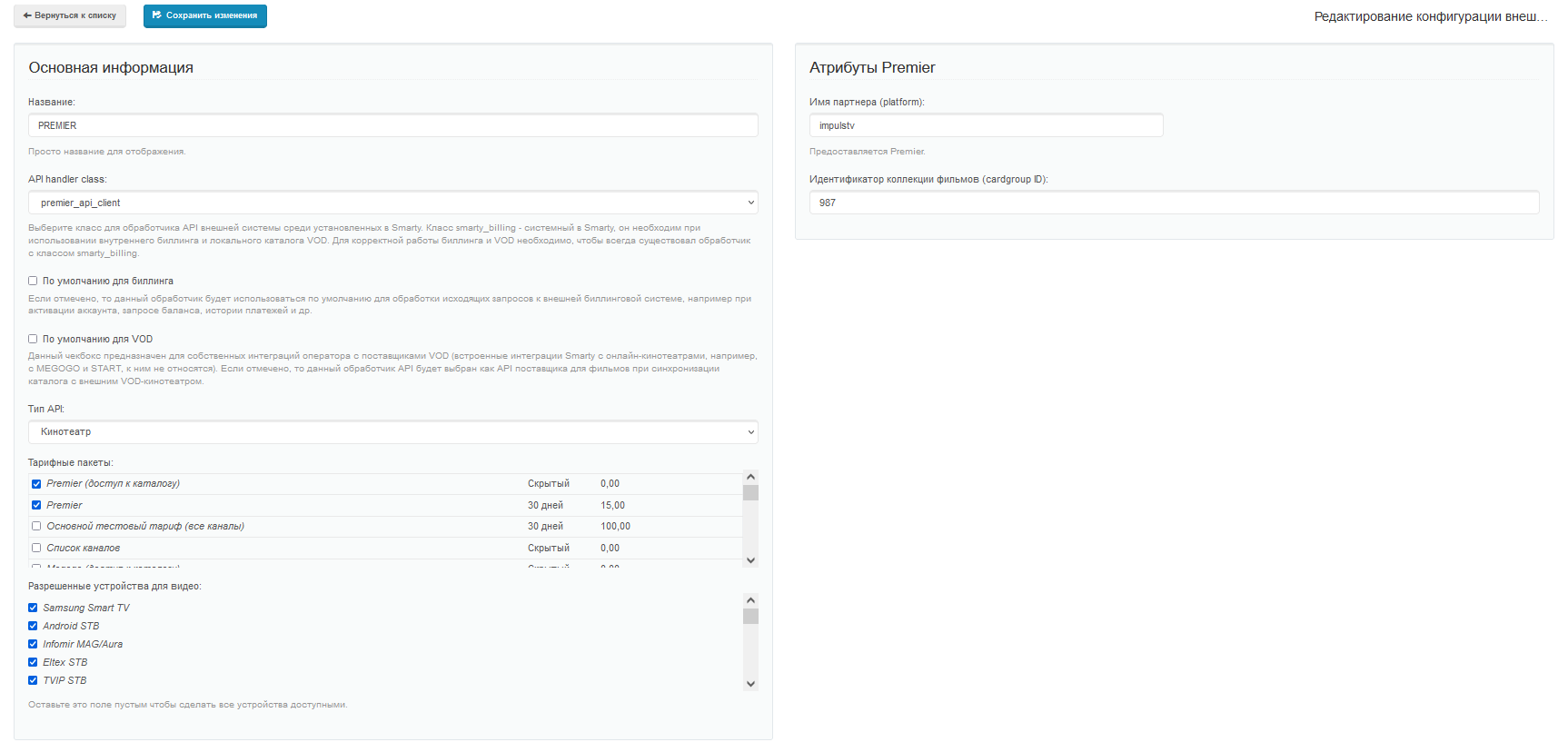
1. In the Administrator Panel, in the General Settings section -> Integration with the API of external systems, create a new external system:
- Specify the name (for example, Premier);
- Select from the drop-down list an API class
premier_api_client; - Select the tariff packages created earlier and described above. Subscribers who have the first tariff package connected will see movies in the video library and have the opportunity to buy a subscription to them;
- Specify additional external system attributes in the right block of the page — partner name and film collection identifier (data can be requested through a personal manager);
2. After completing all the steps, you need to synchronize the content using the management command:
python manage.py premier_sync_content --settings=settings.The team has additional parameters:
--remove_outdated — when it is specified, the import script after the end of work deletes all films with the PREMIER handler that were not found in the PREMIER catalog, that is, cleans old films.
-ignore_main_genres — if specified, all genres derived from PREMIER will be treated as Genres in Smarty. If the flag is not added, then the main genre is marked as a genre category.
WarningWhen this option is added to previously imported PREMIER content, all Genre Categories will also be translated into Genres.
--update_assets_promos — when it is indicated, along with the import, a promo picture for assets is downloaded. Warning: if there is a promo, the asset is updated.
-load_actor_meta_from_mdb — at its indication, when creating actors, an attempt will be made to download data about them from TVMIDDLEWARE_MOVIEDB (e.g. kinopoisk_api_unofficial).
--reimport_actors — at its indication, the list of actors is reimported. Warning: works only with the option -load_actor_meta_from_mdb.
-client_id — the identifier of the client for which the synchronization is required. It is permissible to specify several customers. By default, synchronization is performed for all clients in Smarty.
The first synchronization can take a long time due to the download of covers, subsequent synchronizations are faster. For regular synchronization of movies, you need to add a command call to crontab (it is recommended to synchronize content during the least load on the server).
After the first synchronization, the genres of PREMIER films and their basic mapping on the Smarty genres will be created. If it is suddenly noticed that the filtering of PREMIER films by genres is incorrect, we recommend going to the section http://smarty.example.com/admin/premier/premiergenremap/ and reconfigure mapping in the right way (and you can add your genres and set up new connections for mapping). With the subsequent synchronization of films, genres will be rebounded.
Setting up statistics for the cinema PREMIER
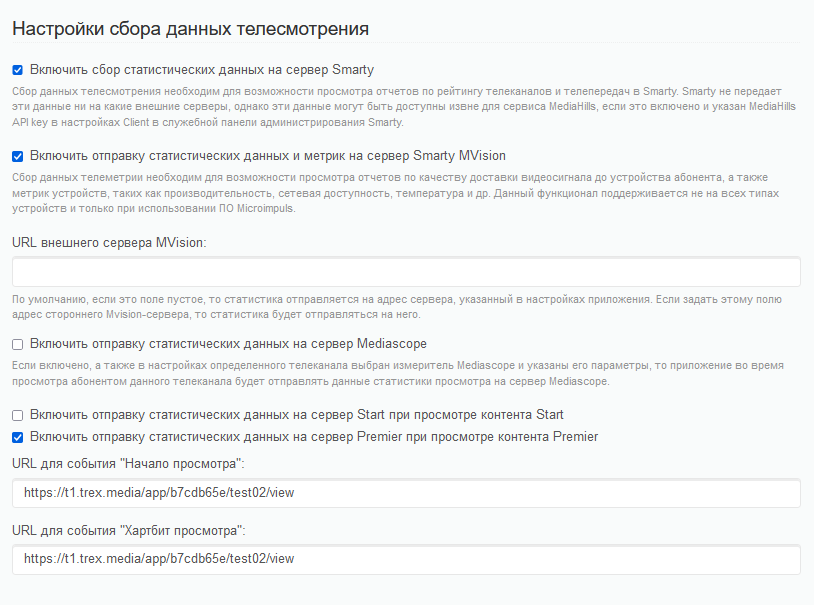
For the full integration of the cinema, it is necessary to configure the sending of statistics on views to PREMIER. The following actions are required:
- Get it from the manager links to start browsing events and heartbeats for each device (each device type should have 2 links).
- Enter these links to the device pages in General Settings -> STB and Application Settings -> Block Television Data Collection Settings (for each device type, you must prescribe your own URLs).