
Basic concepts
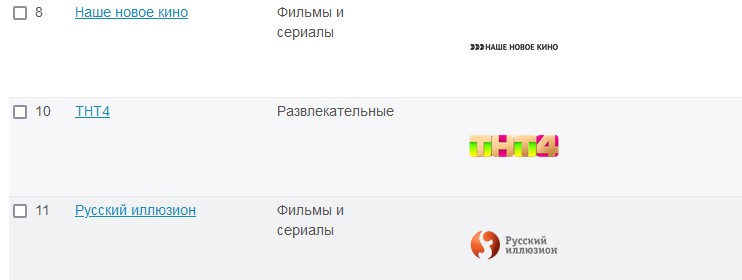
Transmission program in Smarty is provided using an entity EPGChannel this is an object to which the channel icon is tied (there may be several icons of different sizes), as well as a program of transmissions with inherent properties (the name of the transfer, its description, preview images, start time and end time of the transfer, genres, categories, etc.).
We can say that EPGChannel is a kind of "Channel", to which the subscriber has indirect access - with the correct configuration, the subscriber can see the EPGChannel icon; the name of its current, past or future transfer; the description of these transmissions, their advertising images, etc., but the subscriber does not know about the existence of such an entity. This entity is necessary for the connection between the list of specific transmissions and channel icons with the channel that the user will observe in his portal.
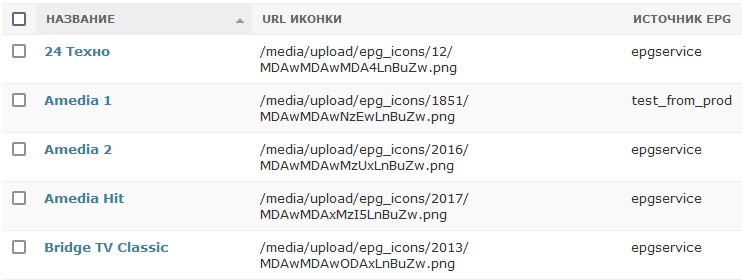
EPGSource - program source. As a rule, it is an xmltv file with a list of channels and transmissions (or a link to a transmission program of a channel).
EPGChannelsSource - TV channel source. Can be used to import channels or icons to them.
EpgProgram directly the program of transmission associated with a specific EPGChannelto which this program belongs. Everyone EpgProgram stores information about the name of the transfer and about the beginning and end of the transfer (the minimum set of parameters for the program to appear in the portal), as well as its description, belonging to the category, age rating, preview images and other information that can be displayed in the portal.
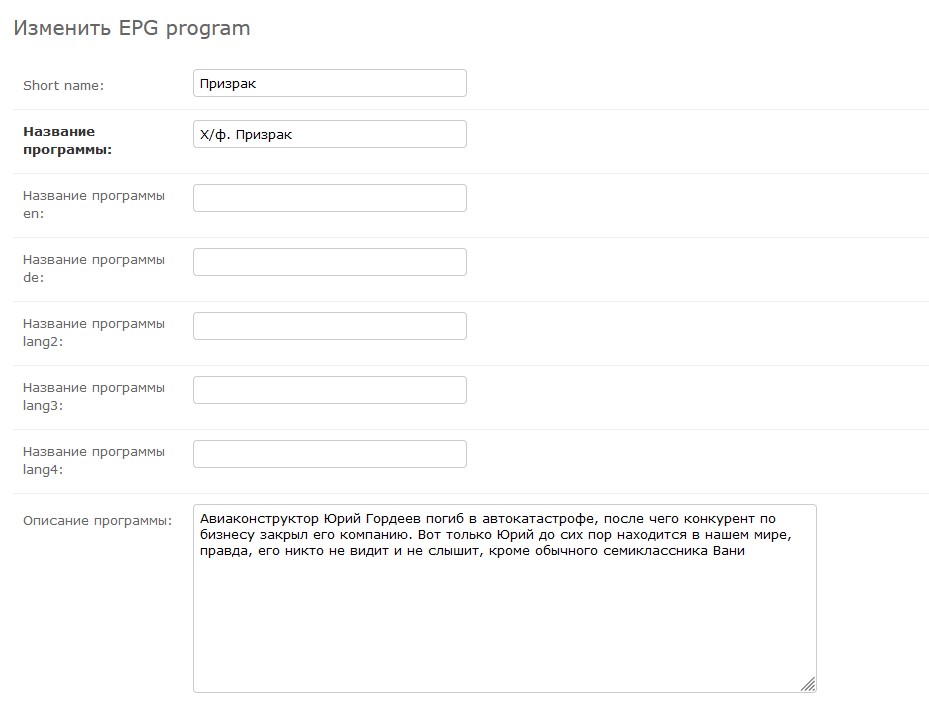
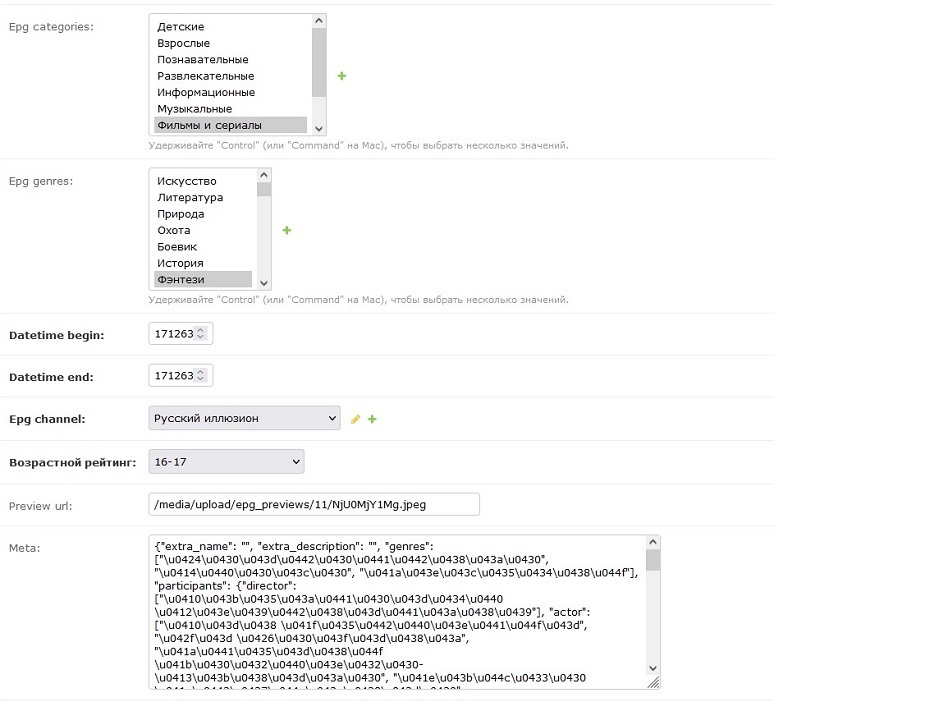
So the program is stored in Smarty

Canal The entity to which the user will have consistent access in the portal. It is a set of channel configuration in the Smarty admin panel (streaming services, tariff configuration, LCN, parental control, etc.) and the associated channel EPGChannel (in the framework of which access to the program of programs of this channel is provided).
Minimum Smarty settings before importing a transmission program (EPG)
The configuration process can be described by the following algorithm:
- Create or edit an existing one
EPGSource; - Create the required amount
EPGChanneltying them togetheridbroadcastEPGSource(or import all transmission channels at the source of the program); - Import the transmission program;
- Tie up
EPGChannelwith available channels; - Add the task of updating the transfer program to the task scheduler.
Most operations EPG carried out django-adminke (to get into it, you need a certain level of access, opens when added) /admin at the end of the Smarty address.
Below, each of these items will be discussed in more detail.
Creating a transmission source (EPGSource)
- Go to section
Tvmiddleware; - Open subsection
EPG Sources; - Press the Add button
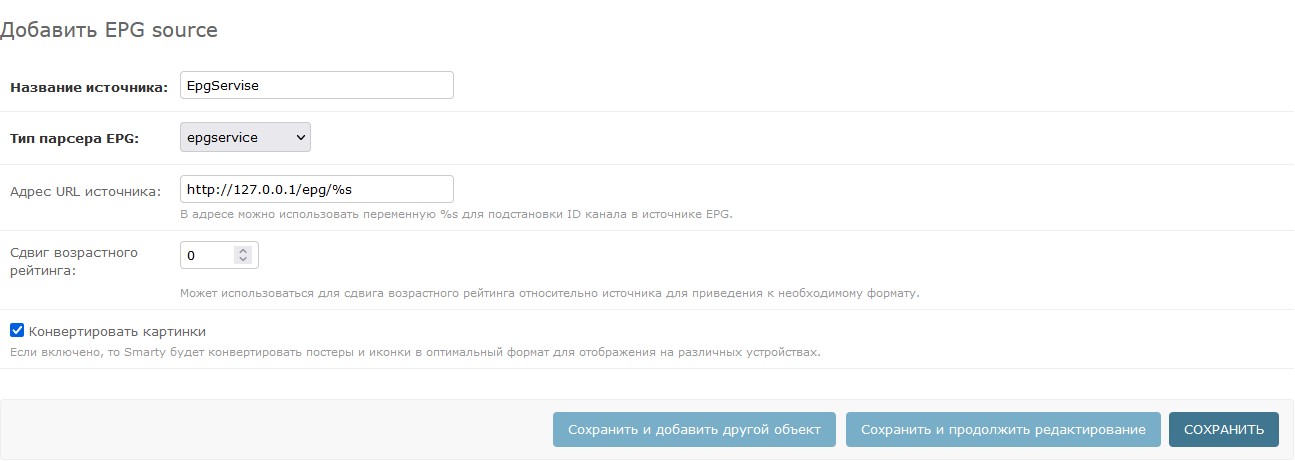
EPG Source; - Specify name
EPGSource(necessary for ease of administration); - Specify the type of parser
EPG(for the correct interpretation of the data stored in the selected source) - Indicate source address
EPG(It can be either absolute in the case of a specific source reference or relative in the case of a transmission file stored on the same server as Smarty.); - In order to save free storage space of media files (as well as for faster loading and reducing the load on user devices), you can turn on the option “Convert pictures” – if this checkbox is enabled, then all imported preview images of transmissions will be compressed to the dimensions specified in the Smarty configuration (the corresponding options are described in the documentation) “System parameters”); if the checkbox is turned off, the preview images will be downloaded at the original resolution.
The type of EPG parser should be selected based on the EPG source used. In most cases, the parser name intuitively matches the EPG source name, with rare exceptions such as:Dummy_source this is an automatic source that creates the same program with the name corresponding to the name EPGChannel and broken down once an hour. It can be useful for filling out the camera transmission program (in case the cameras write an archive, a transmission program is required to view it and you can fill it in through the camera) Dummy_source).Xmltv_common - universal parser xmltv.Xmltv_from_file a parser based on xmltv_common, but able to read a file that is on a server with Smarty.
EPGChannelsSource and Channel Import
The process of creating a TV source is not much different from the process of creating a TV source, with some exceptions:
- Go to section
Tvmiddleware; - Open subsection
EPG channels sources; - Press the Add button
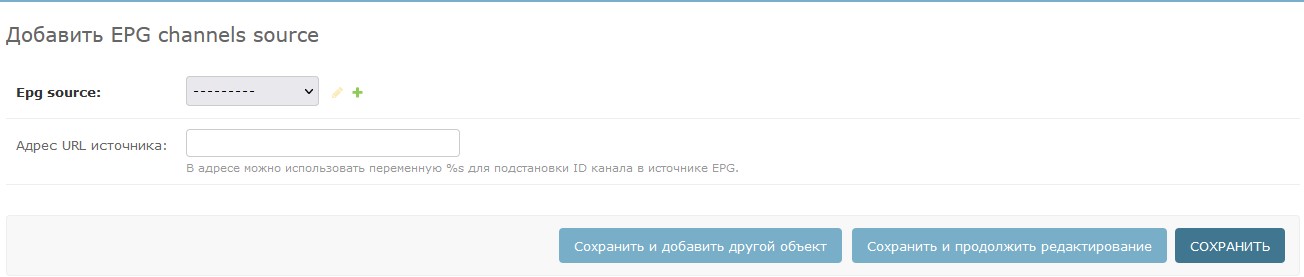
EPG Channels Source; - Link the source
EPGChannelsonEPGSource; - Indicate the address of the channel source (works by analogy with
EPGSource);
Import of TV channels and icons for TV channels from an existing source is carried out with the help of an official team epg_channel_import.
Creation of EPGChannel
If for some reason it was not possible to import channels from the source automatically, they can be created manually using Django-admin.
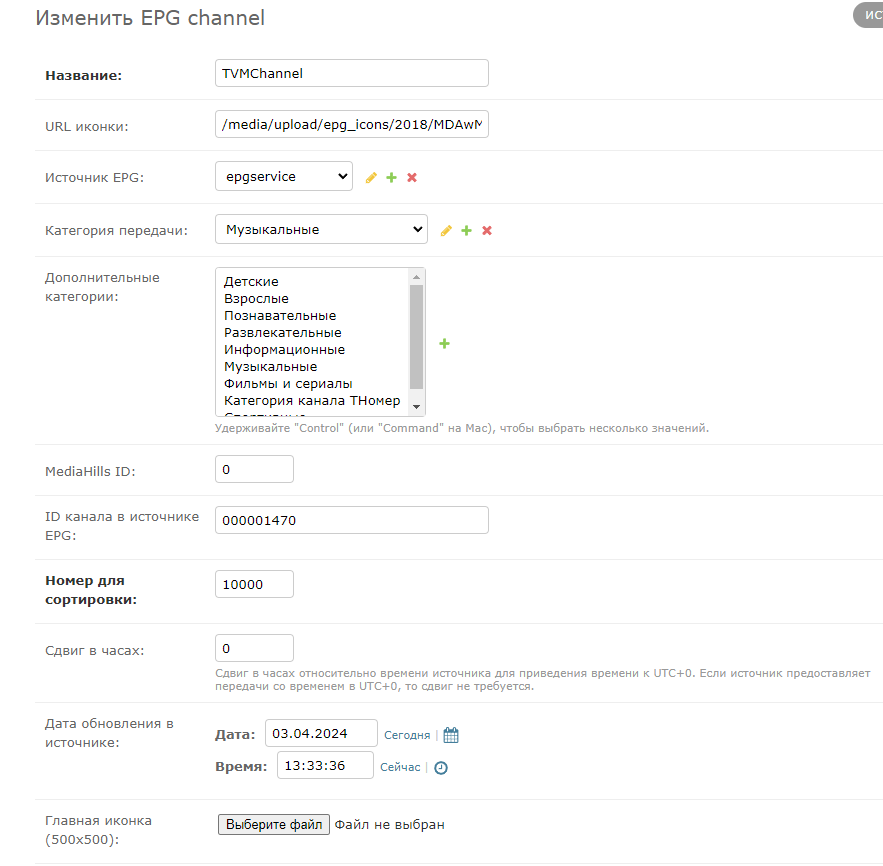
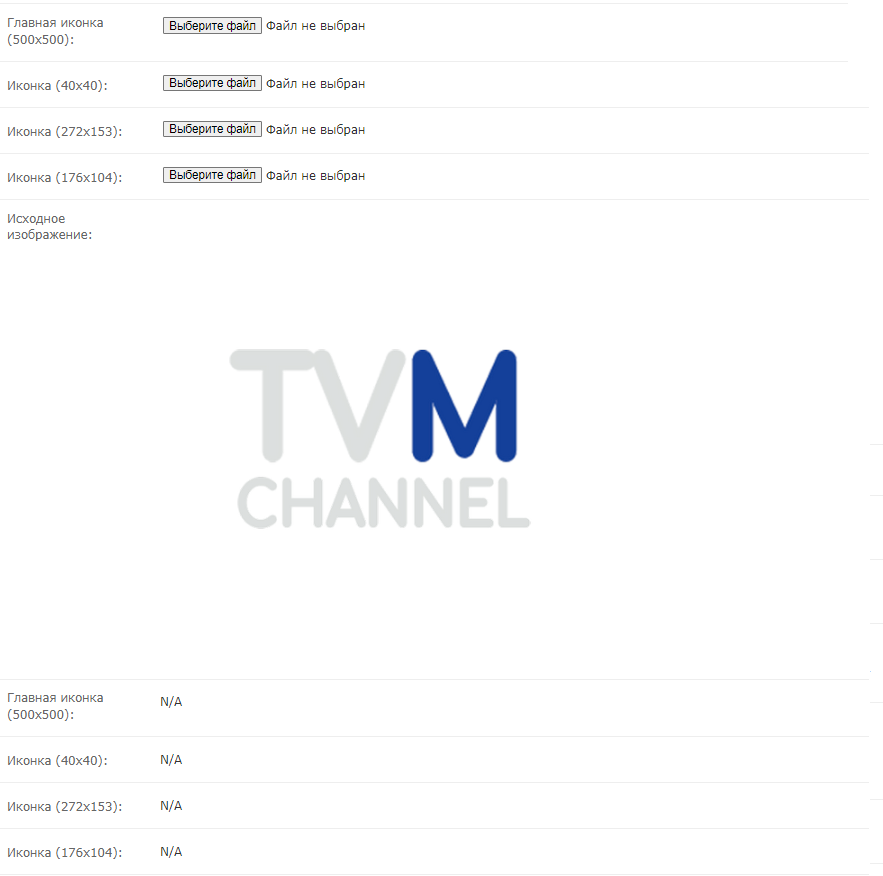
Example of EPGChannel configuration screen with already filled fields
- Go to section
Tvmiddleware; - Open subsection
EPG channels; - Press the Add button
EPG Channel; - Specify name
EPGChannel; - Specify channel ID at source
EPG(if the source of the program of the channel "First" indicates id=000000004, and when creating EPGChannel, you need to specify the channel id in the source 000000004); - Specify the transfer category (these categories will be used in the portal to filter content by category) and, if necessary, select additional categories for the channel;
- If you have already downloaded the channel icon, you can specify its URL, in the “URL icons” field. Or, it can be downloaded using the channel icon download buttons (if necessary, you can download different icons under different permissions).
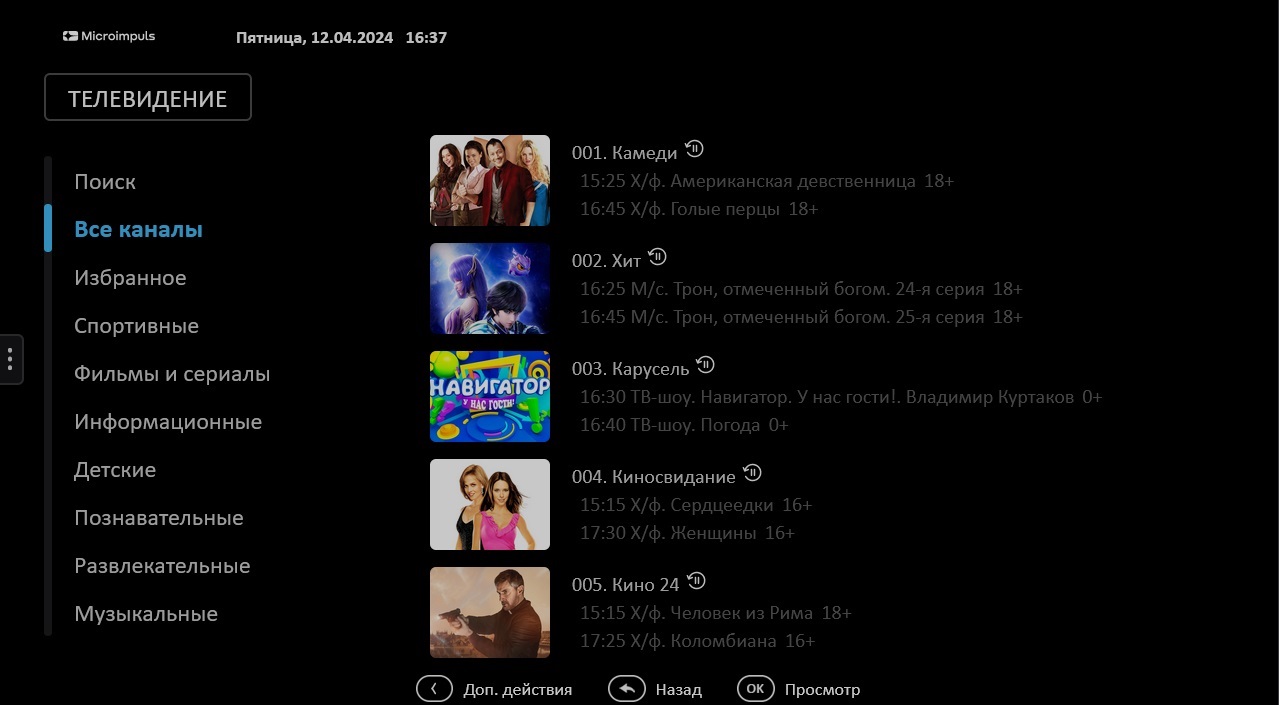
Different interface templates may use different icon sizes (e.g., template) futuristic requires a size of 120×90 and the template sibseti - 176x104). The size of the icons can be set through the system parameters Smarty using the parameter SMARTY_DEFAULT_ICON_SIZES (more information about this and other parameters is available in the relevant documentation).
In addition to aesthetic problems, incorrect dimensions of icons can cause problems with the speed of the interface - compression / enlargement of images by means of a subscriber device can lead to an understated navigation speed in the channel list.
When Importing Channel Icons with a Team epg_channel_import the icons are automatically adapted to the specified size configuration.
Television Program (EPGPrograms)
After creation EPGSource, EPGChannels they can be connected to each other by importing a transmission program.
Import of the program is carried out by the service team epg_import (The team has a large number of parameters, including one that allows you to create gear sets for the Archive section).
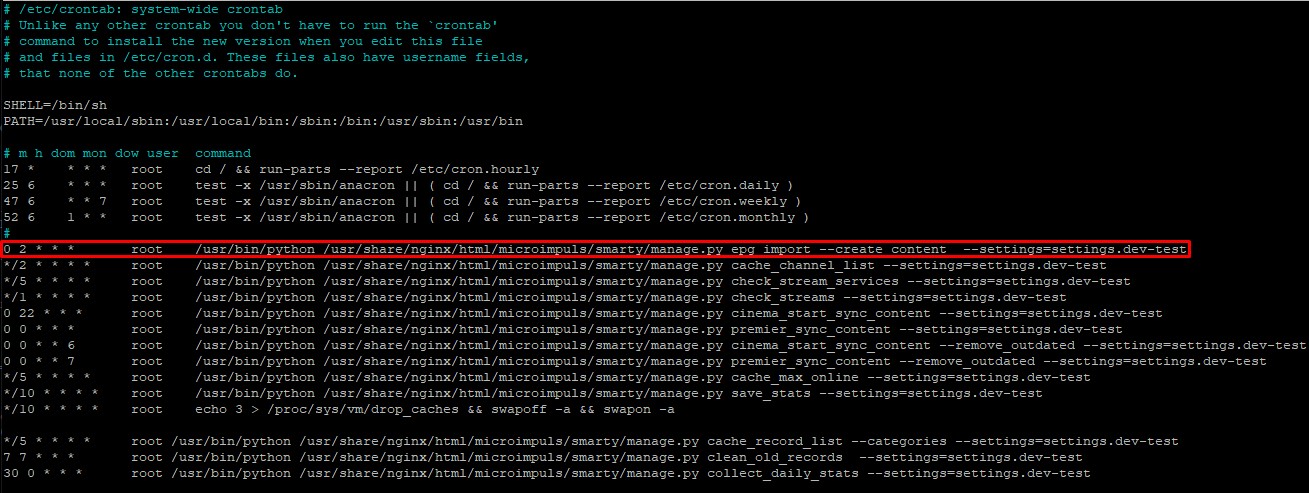
You can automate the import of the transmission program by adding a task to the task scheduler. In this case, the import of the transfer will be carried out automatically on schedule.
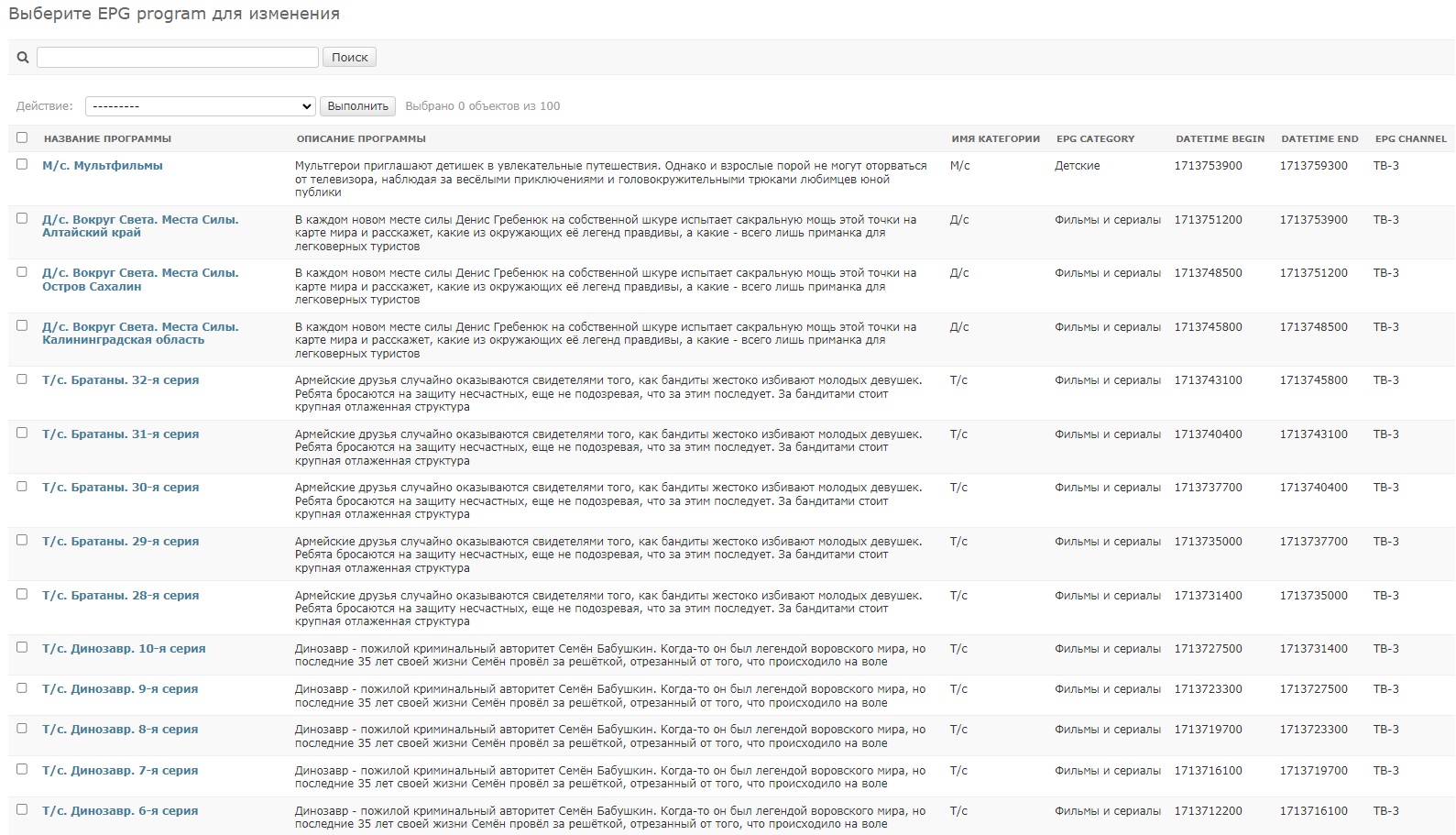
At the end of the import, you can see the list of transfers in the section Tvmiddlewaresubsection EPG programs.
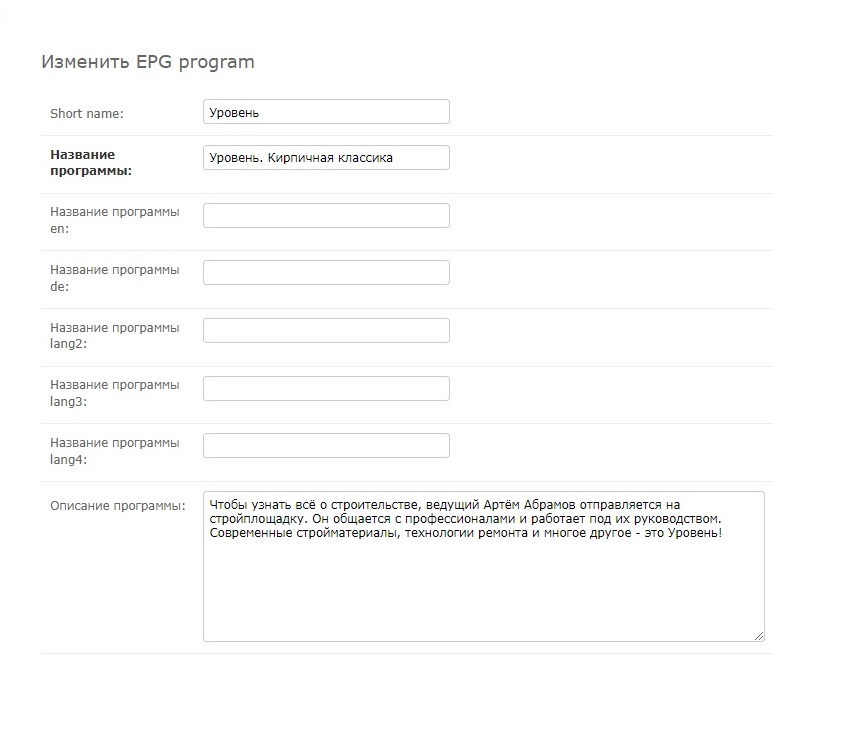
If you wish, you can open one of the transmissions and edit any data of a particular transmission, or create your own (it should be remembered that the start time of a new transmission should coincide with the end time of the previous transmission, otherwise the logic of the continuity of the broadcast breaks).
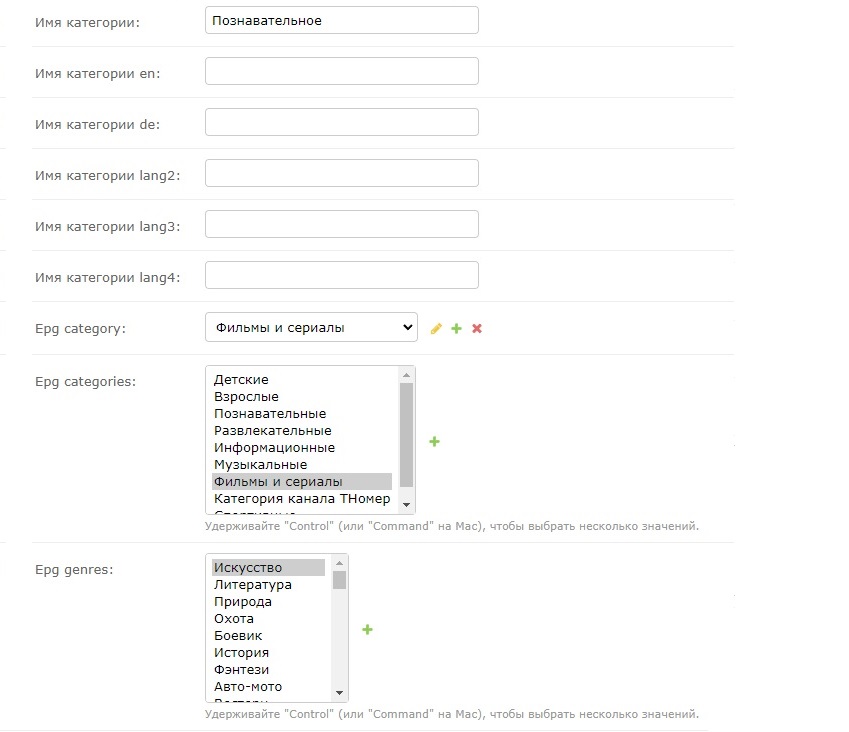
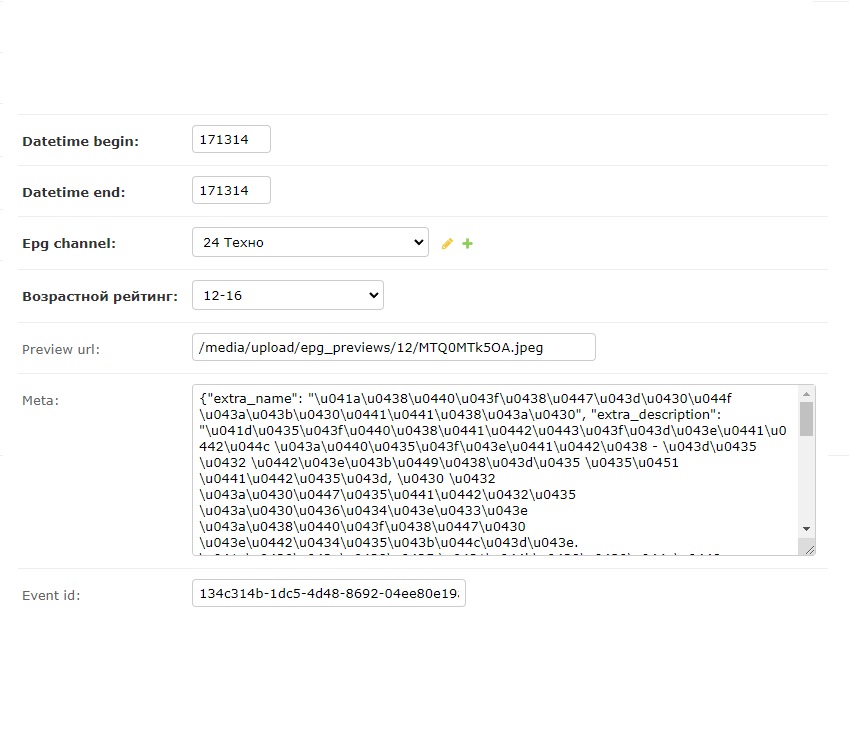
Attention! Some templates (e.g, Redmax) use several preview images of different formats (on the example of the same template) RedmaxIt uses both 16:9 and 2:3 images. For such a situation, programs in the field Meta there is an additional list of preview images called extra_previews an object that stores lists of additional images broken down by appropriate proportions.
Also, the list of transmissions can be viewed in the admin panel Smarty, configuring the desired filters on the screen “Content settings” – “Teleprogram” (for this, the channel in Smarty must be associated with the corresponding EPGChannel).
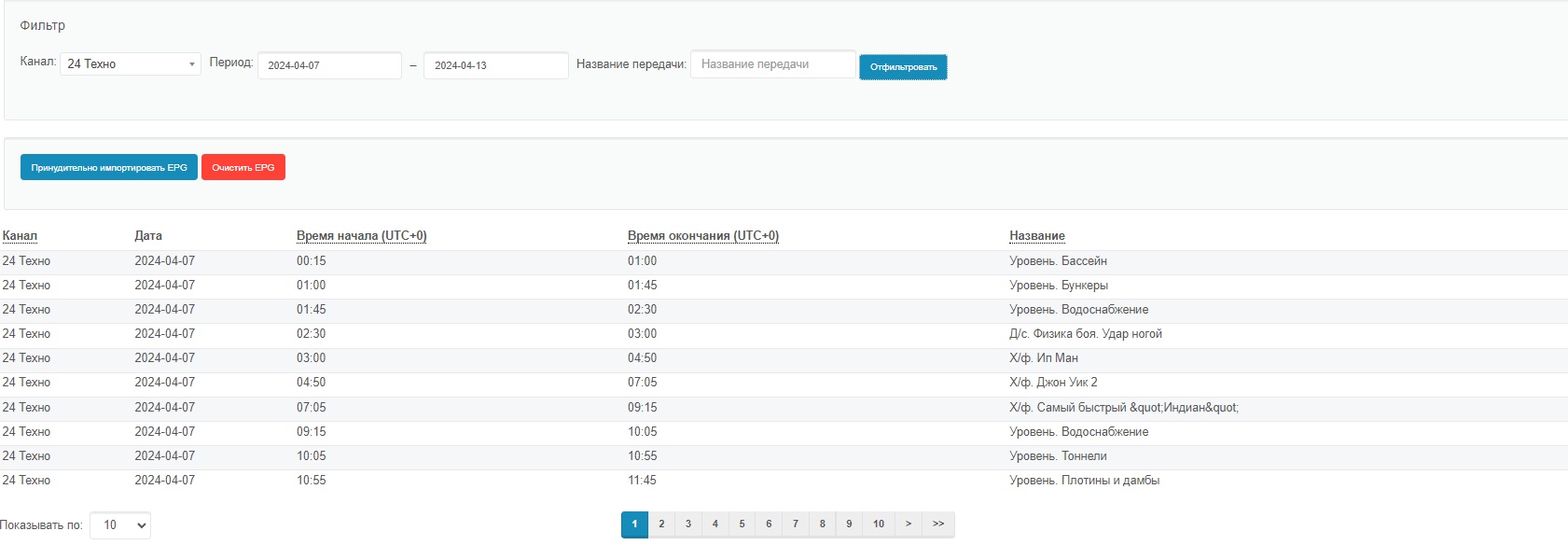
If the transmission program for the specified parameters is not found, you can click on the button "Forced import EPG" - in this case, Smarty will send a command to import the transmission program for the channel filtering selected in the parameters.
Examples of EPG application in templates
Futuristic
For a template Futuristic it is recommended to use the following tv icon sizes:
- 120x91px (for TV, list and grid);
- 40×40 px (for longlist mode);
- 60×48 px (for tv screen sorting);
And preview images:
- 16:9 ratio not less than 280×157 px;
- the ratio of 4:3 is not less than 200×150 px.

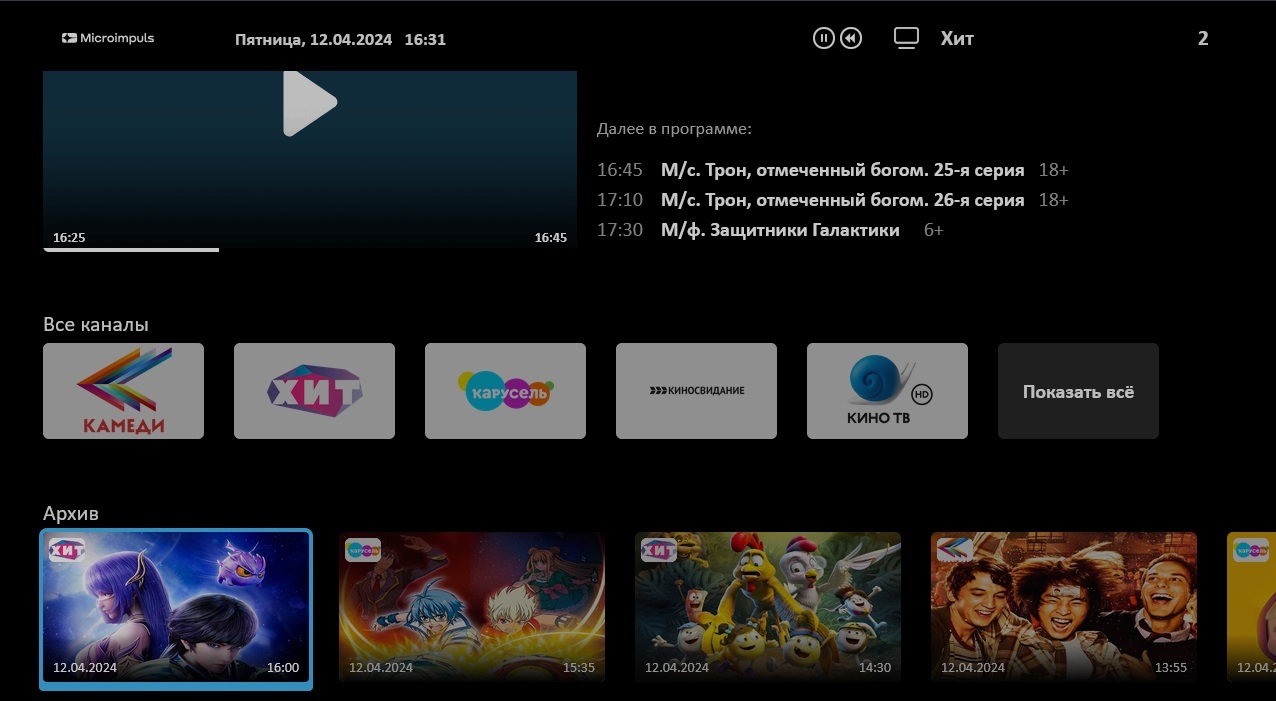
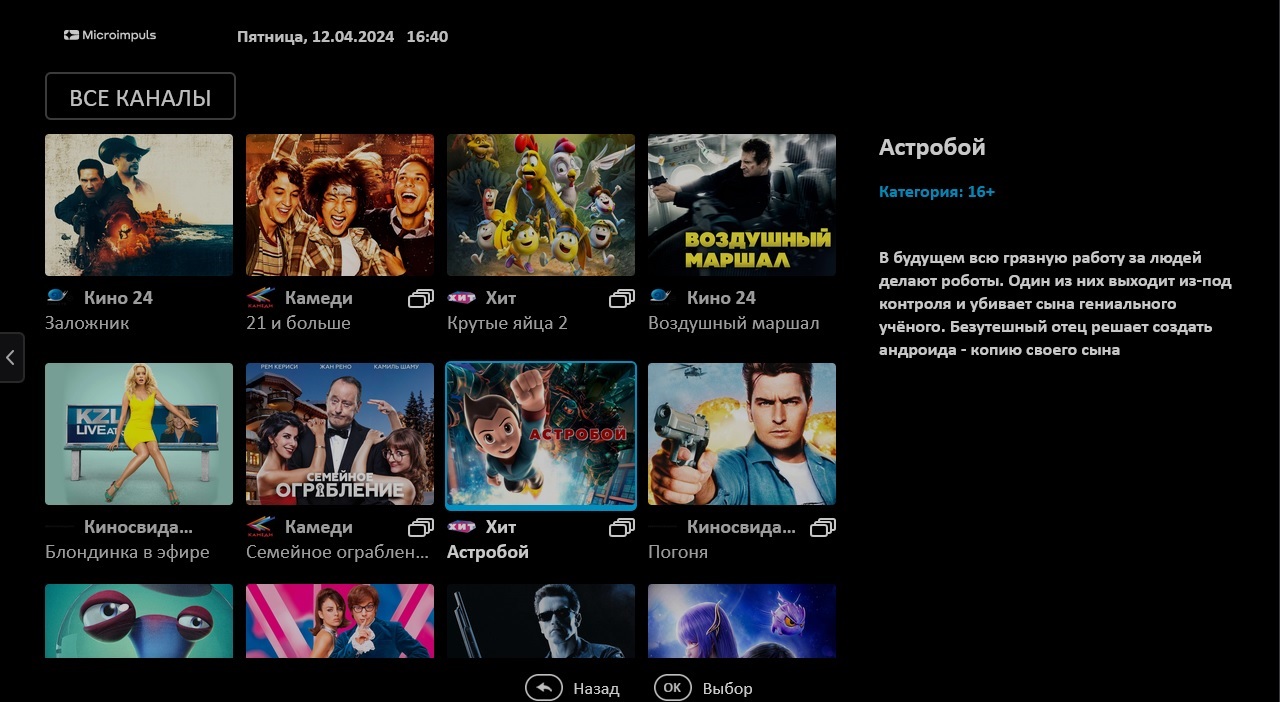
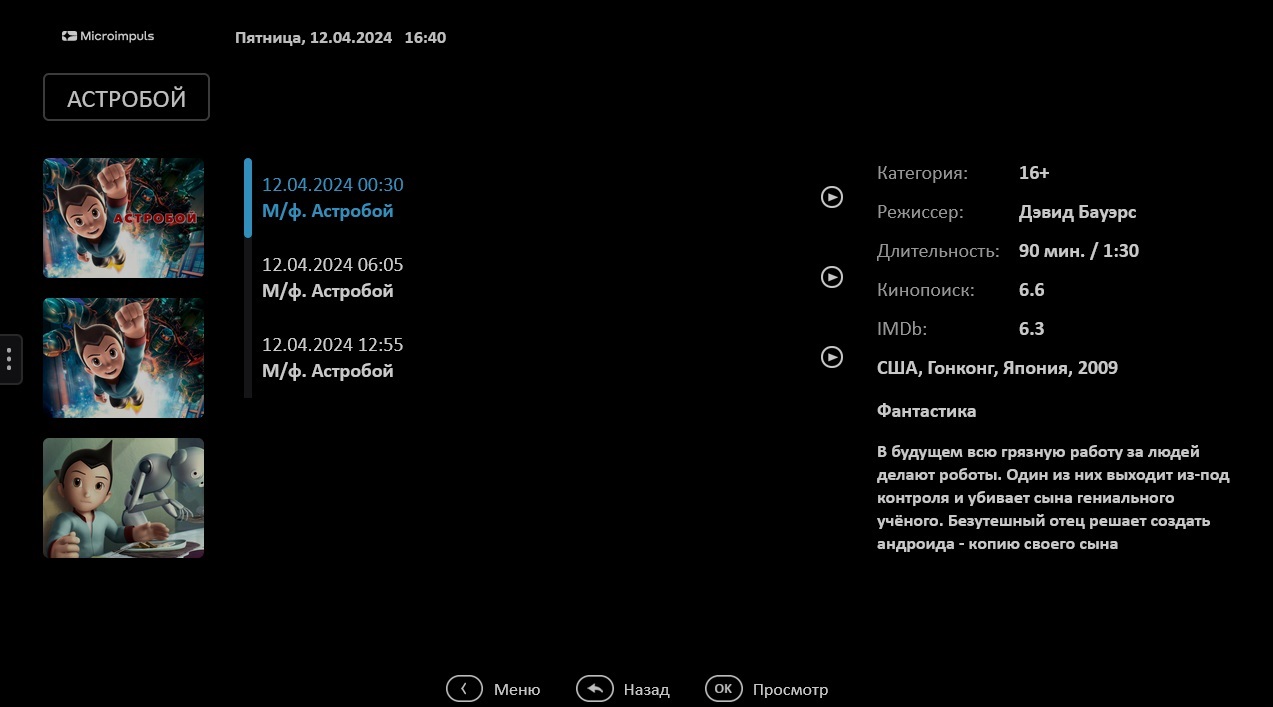
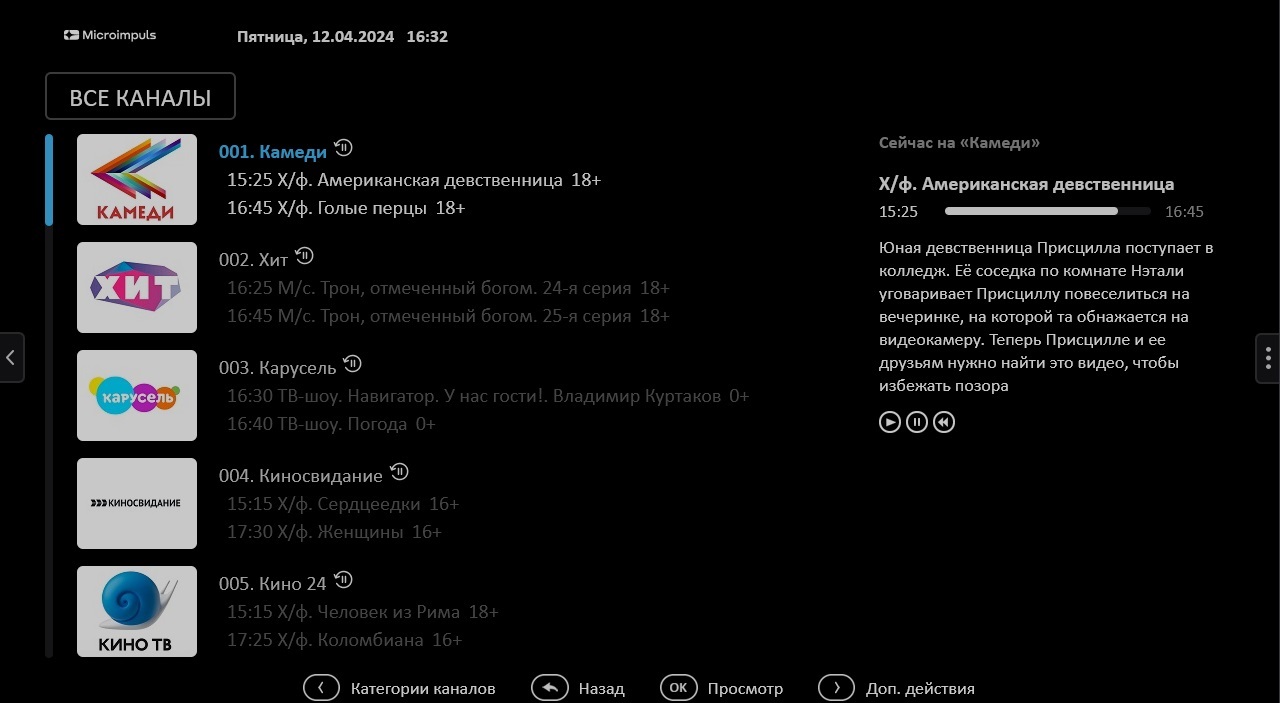
"tv_channels_icon_mode": "icon"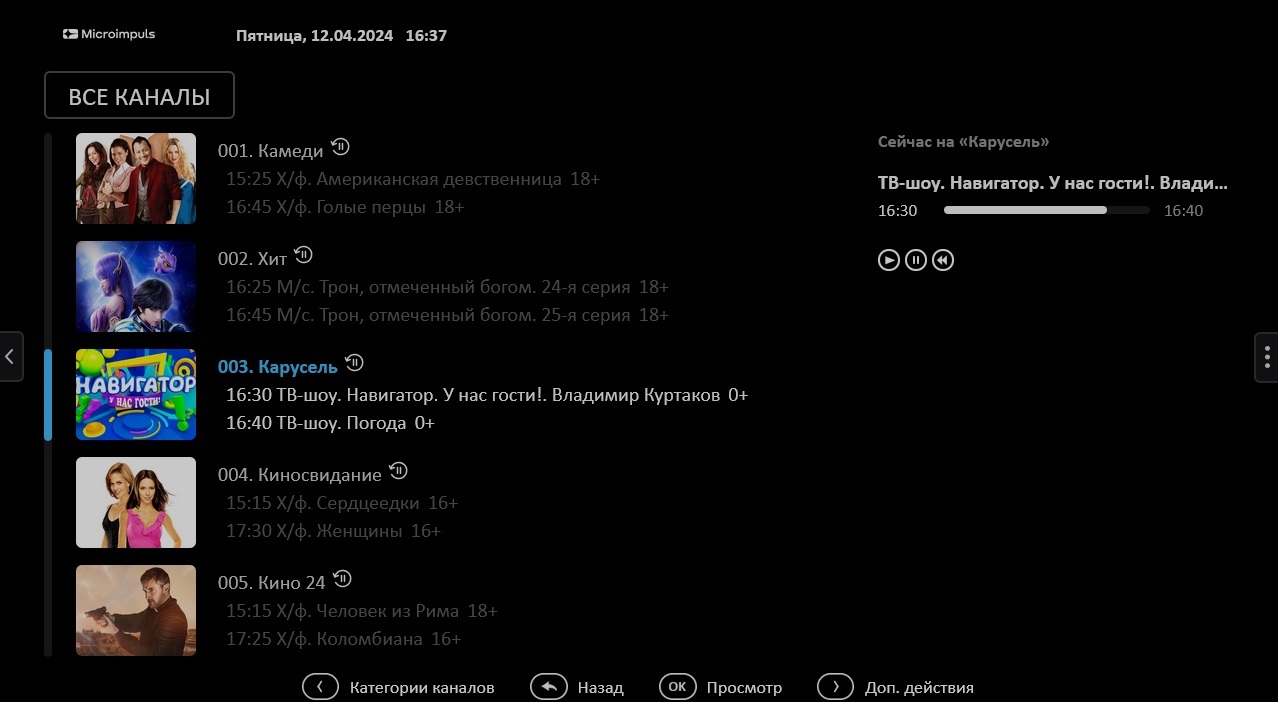
"tv_channels_icon_mode": "program_preview"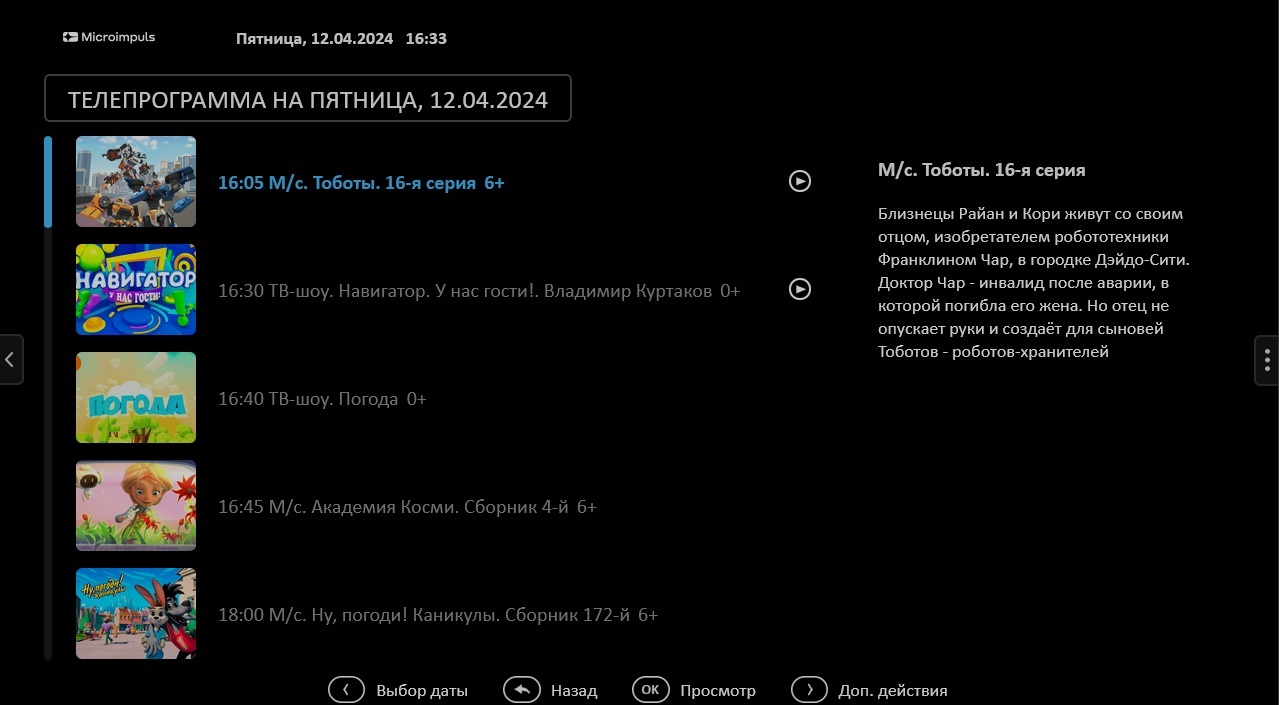
Various portal options that change the behavior of the template in conjunction with the EPG can be viewed in relevant documentation.
Sibseti
For a template Sibseti icons of channels with a resolution of 176x104 px are recommended.
Preview images of TV programs are recommended to be used with proportions of 16:9 and sizes not less than 550x309 px
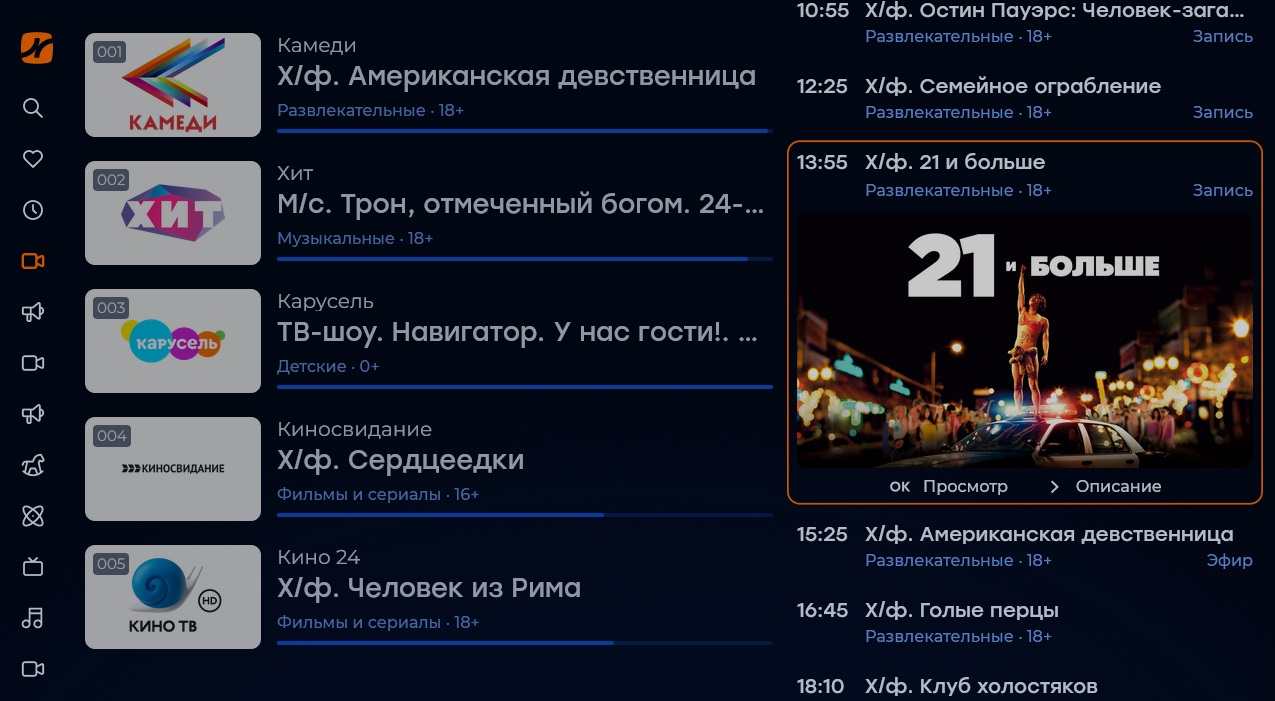
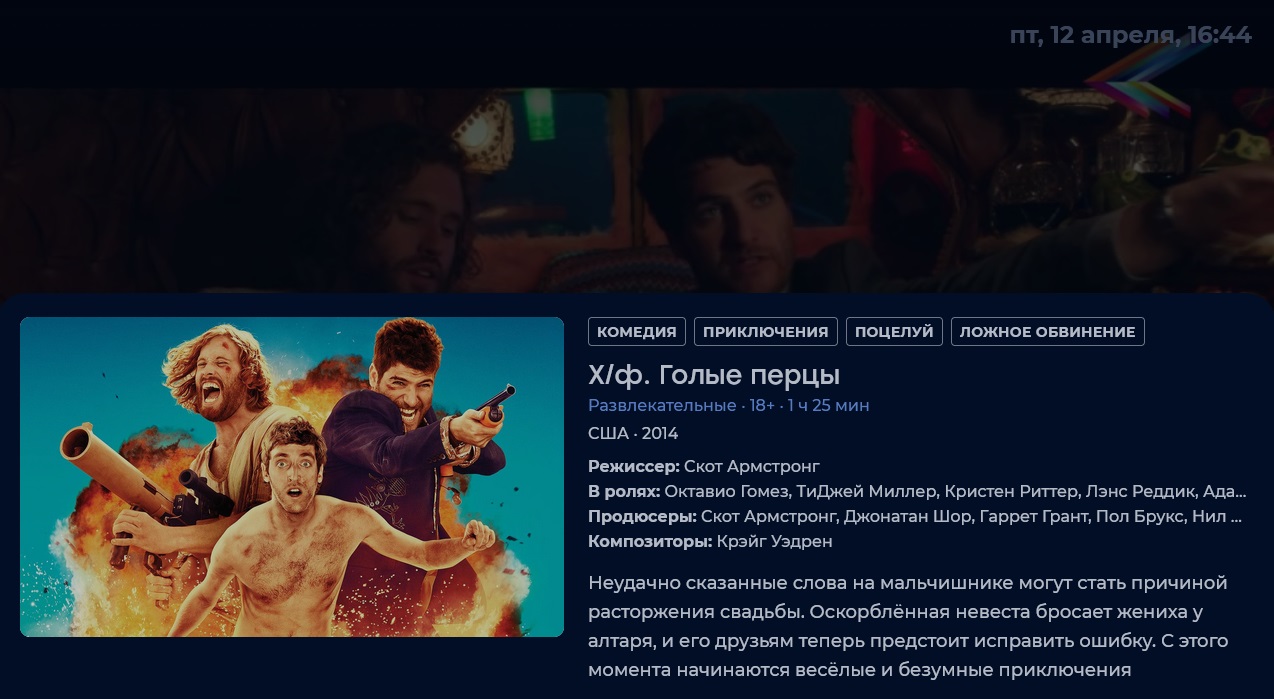
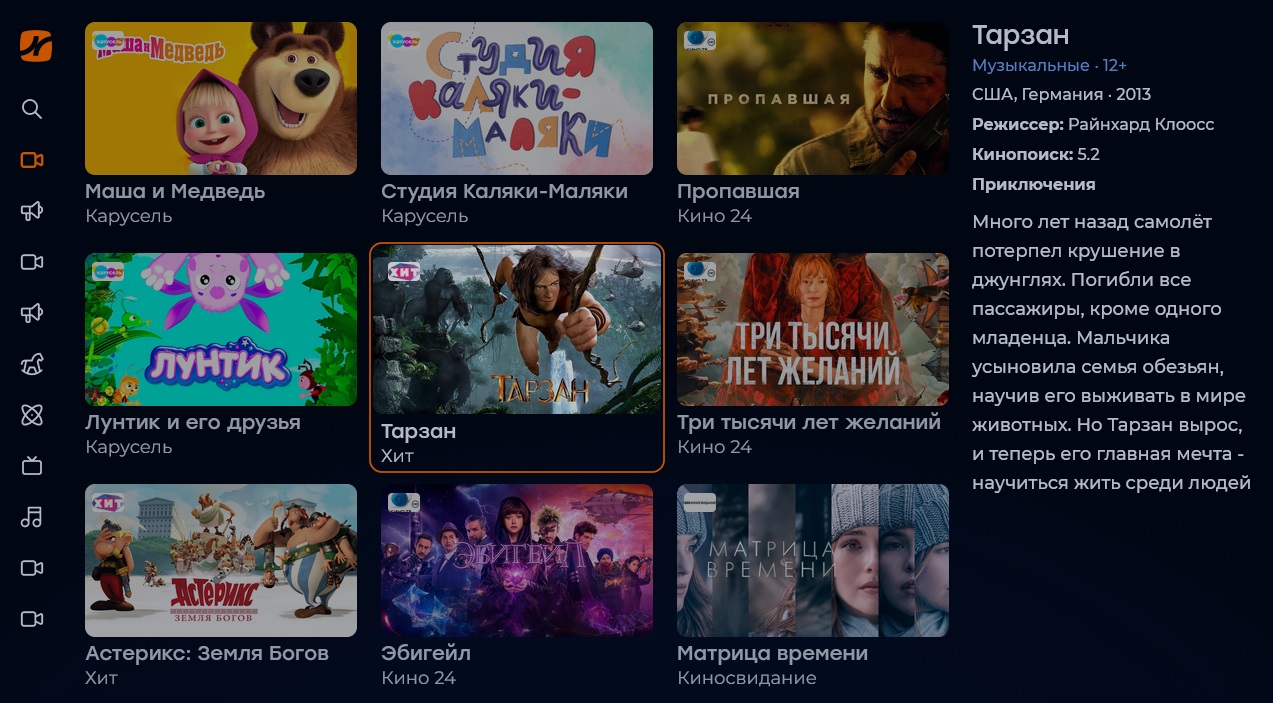
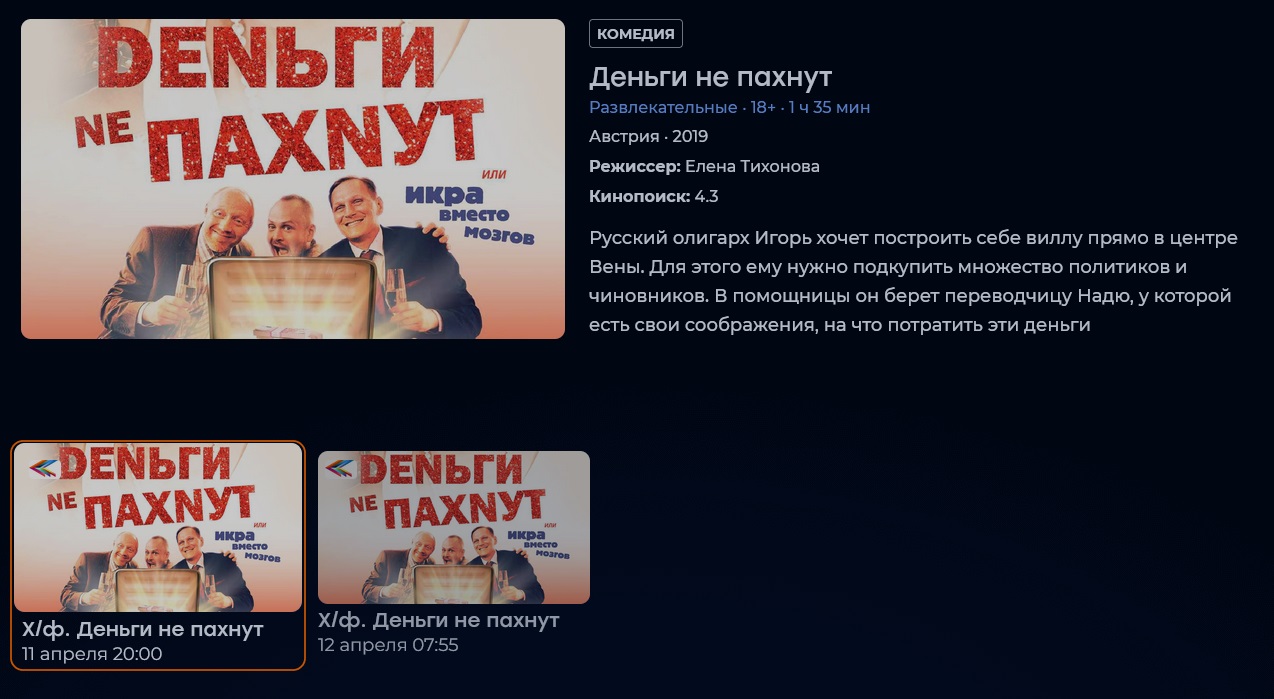
Various portal options that change the behavior of the template in conjunction with EPG, you can see in relevant documentation.
Redmax
For a template Redmax it is recommended to use icons of tv channels in sizes 40x40 px.
Preview images of television programs are recommended to use:
- for proportions 16:9 not less than 720×405 px;
- for a ratio of 2:3 not less than 170×255 px.
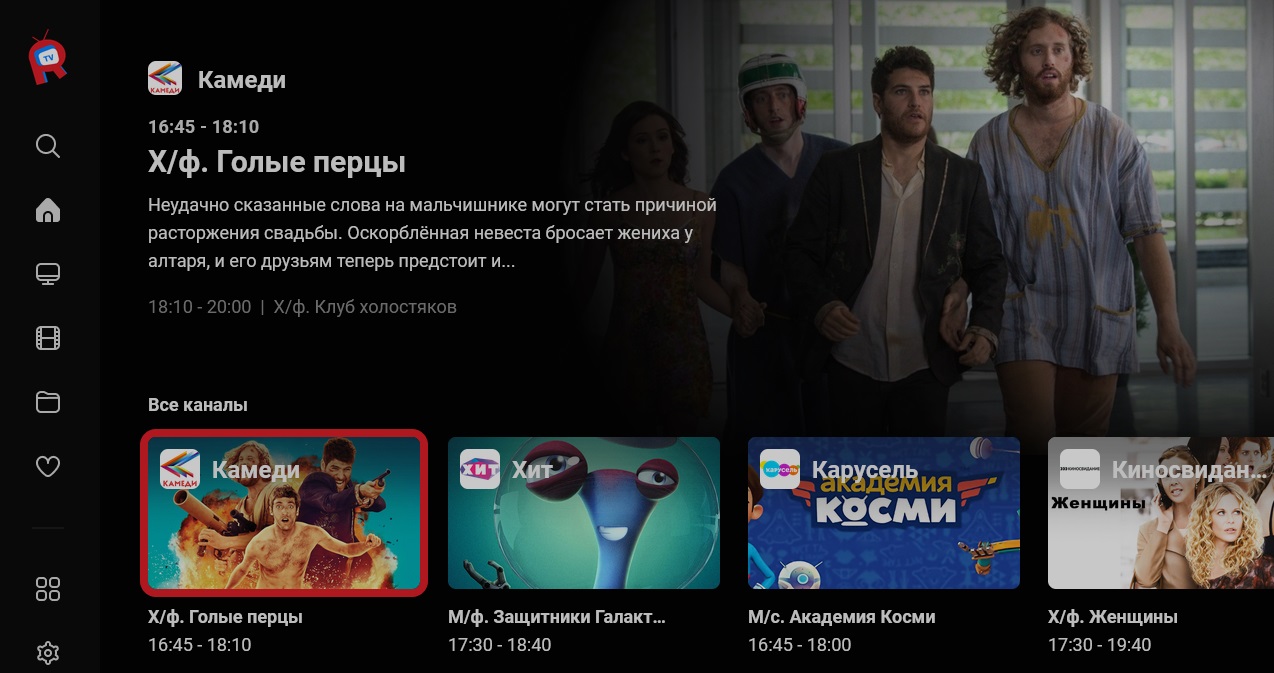
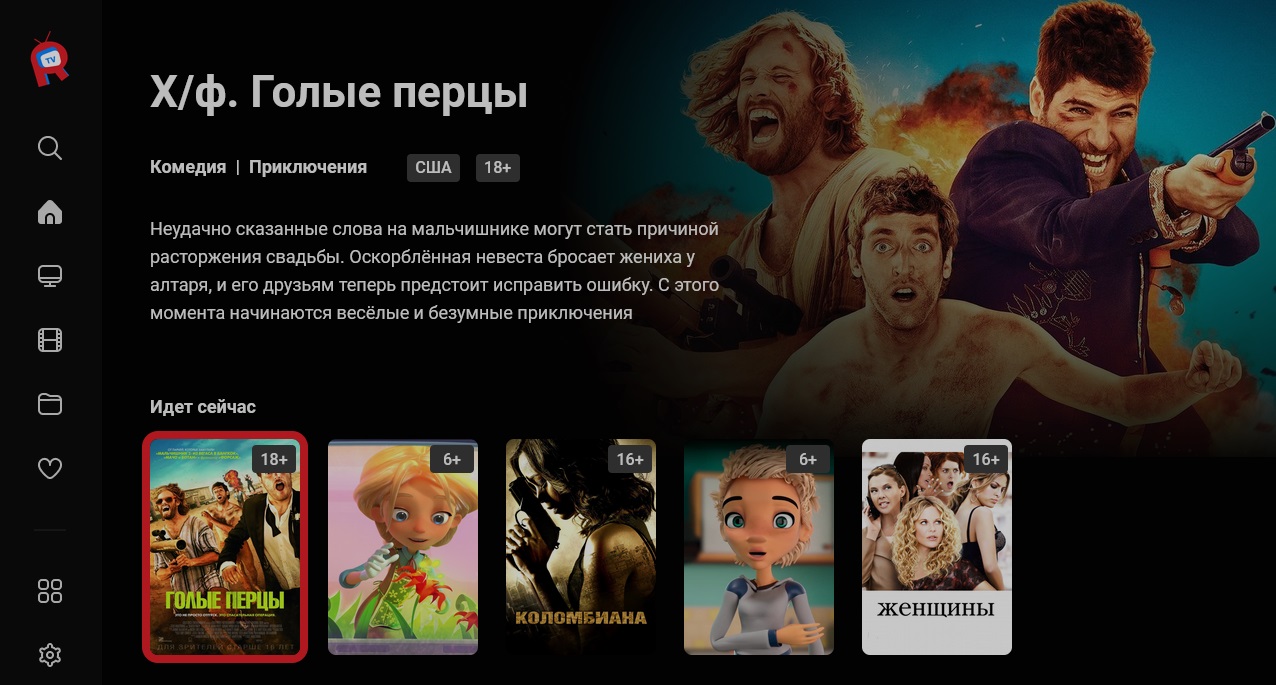
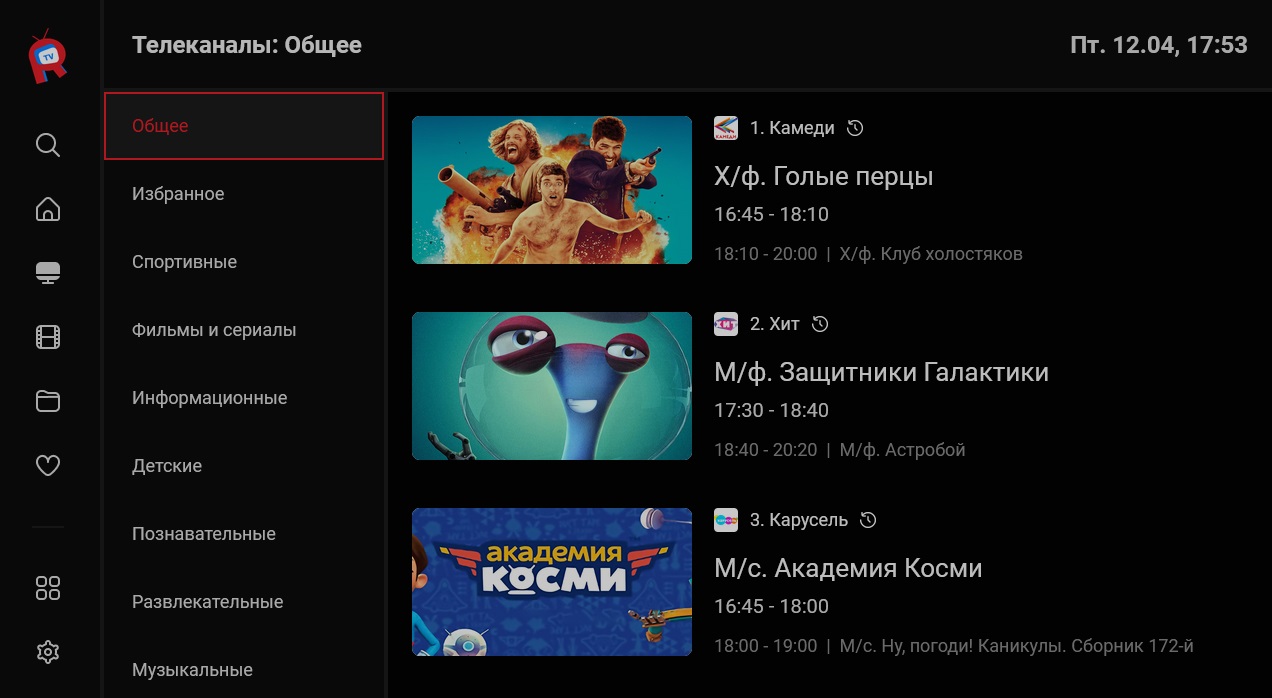

Various portal options that change the behavior of the template in conjunction with the EPG can be viewed in relevant documentationand.
