
+7 (499) 647-49-78
+7 (499) 647-49-78
HBB TV is a tool to reduce the outflow of subscribers and earn additional money by increasing the interactivity of television, made available to IPTV and OTT operators thanks to the Smarty Middleware platform. Together with partners, Microimpuls provides the opportunity to display interactive messages and advertising on top of broadcast content.
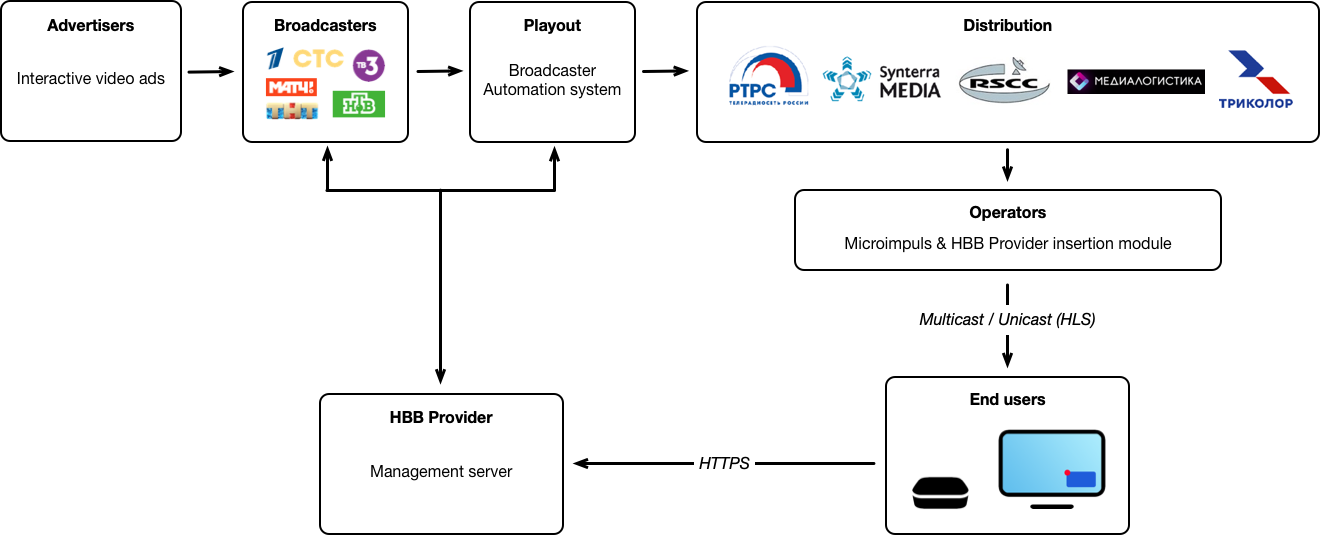
TV channels create entertaining and promotional interactive content and deliver it to all TV viewing environments using technologies from HBB providers and the Microimpuls Smarty platform.
The channel engages in watching TV programs and keeps viewers at the screens due to interactive entertainment and information content.
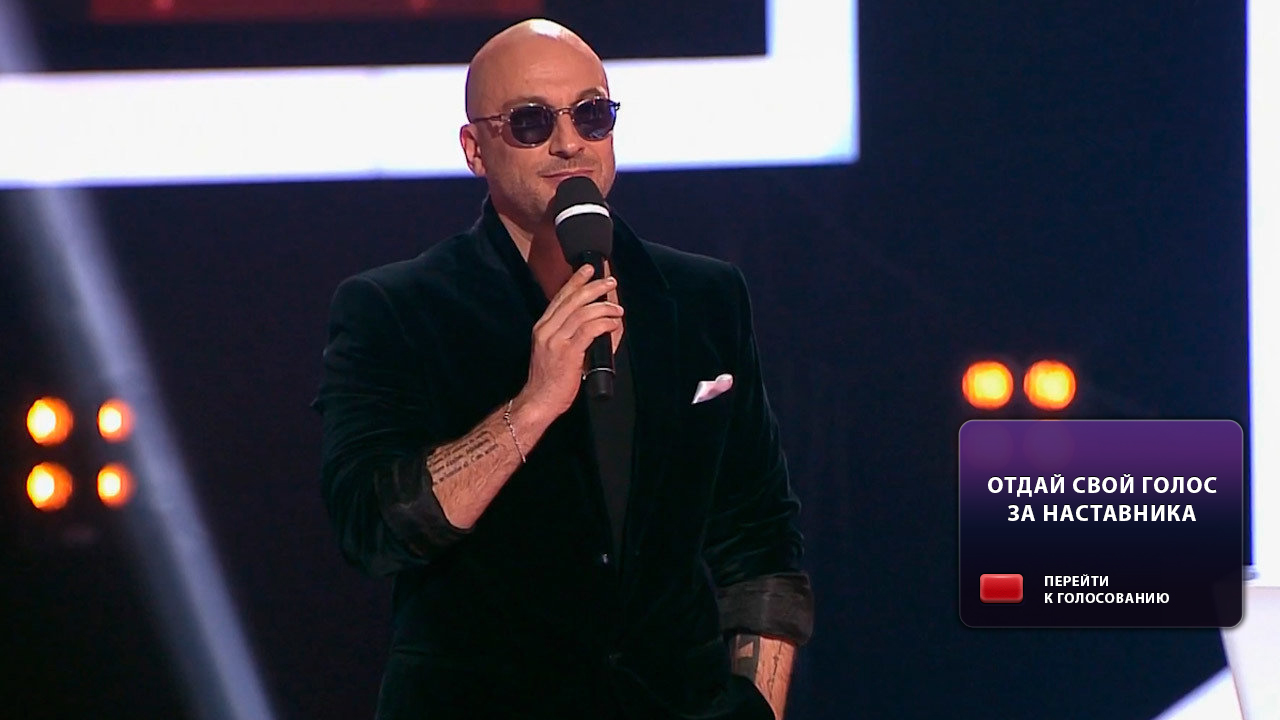
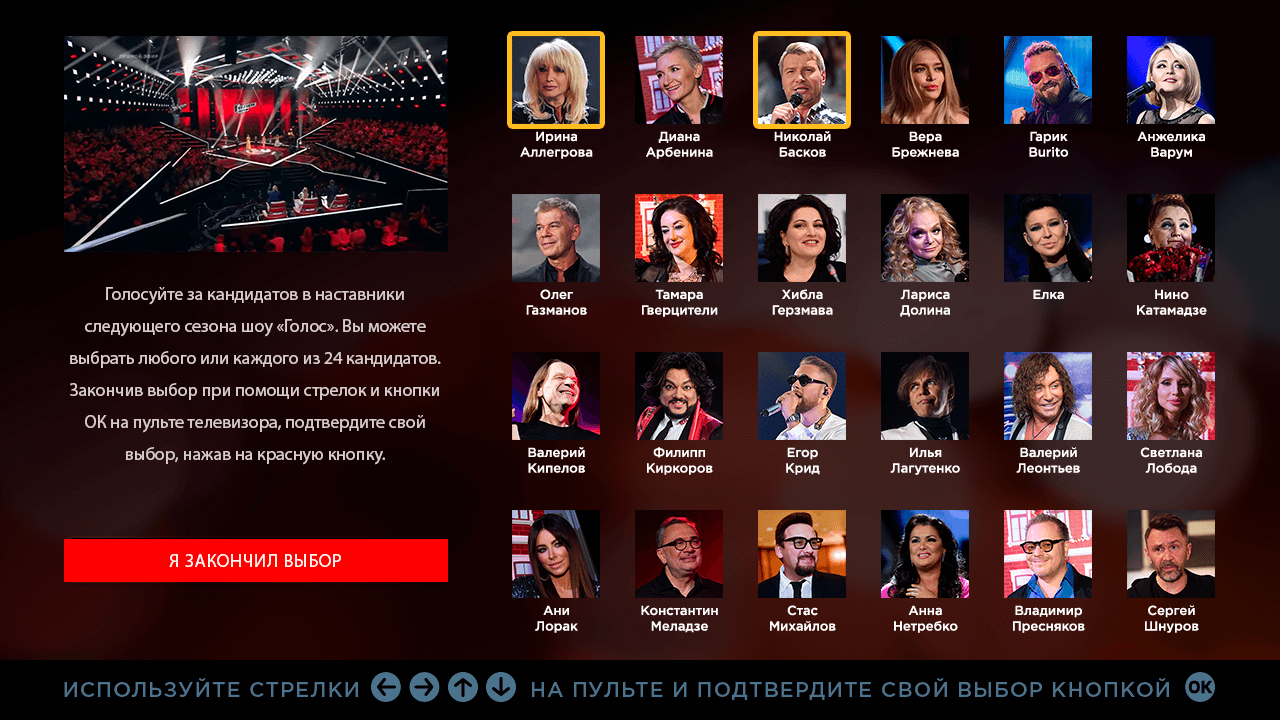
Case Voice!
At certain times of the show, an informer appears on the TV screen with a call to press the red button and make a forecast. Navigation on interactive elements is carried out using a television remote. The choice of viewers is taken into account in the plot of the programs.
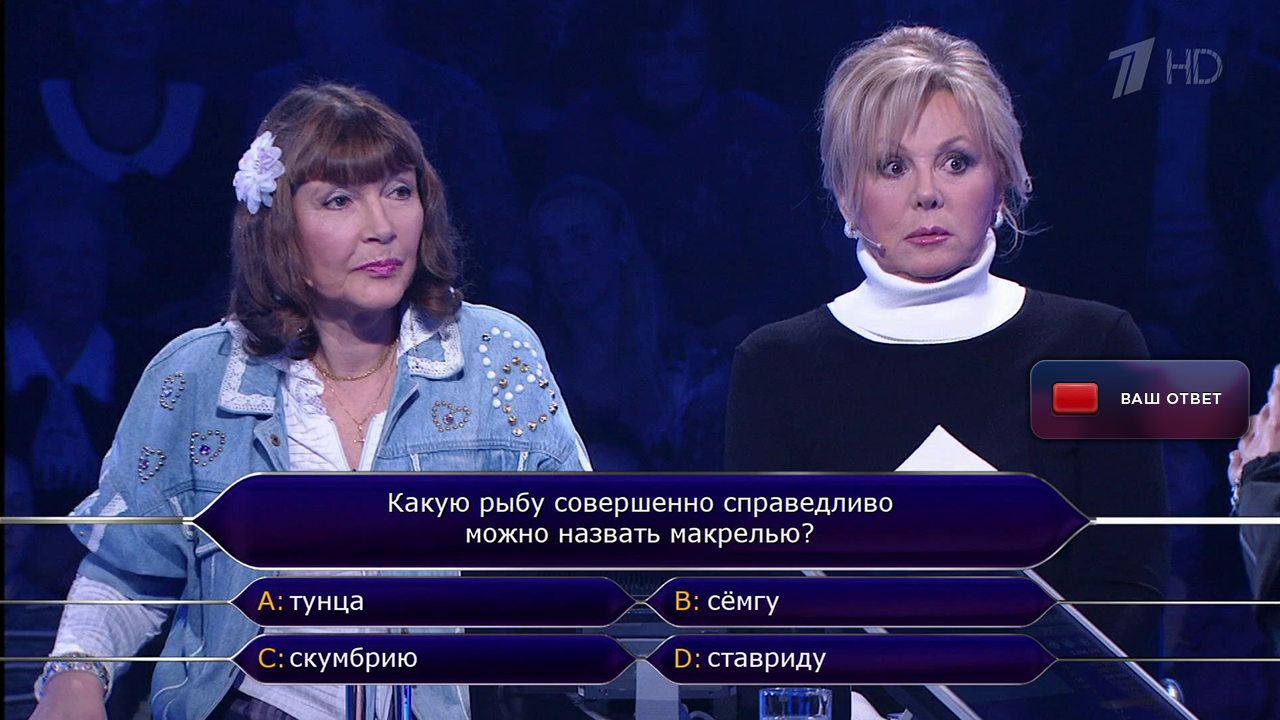
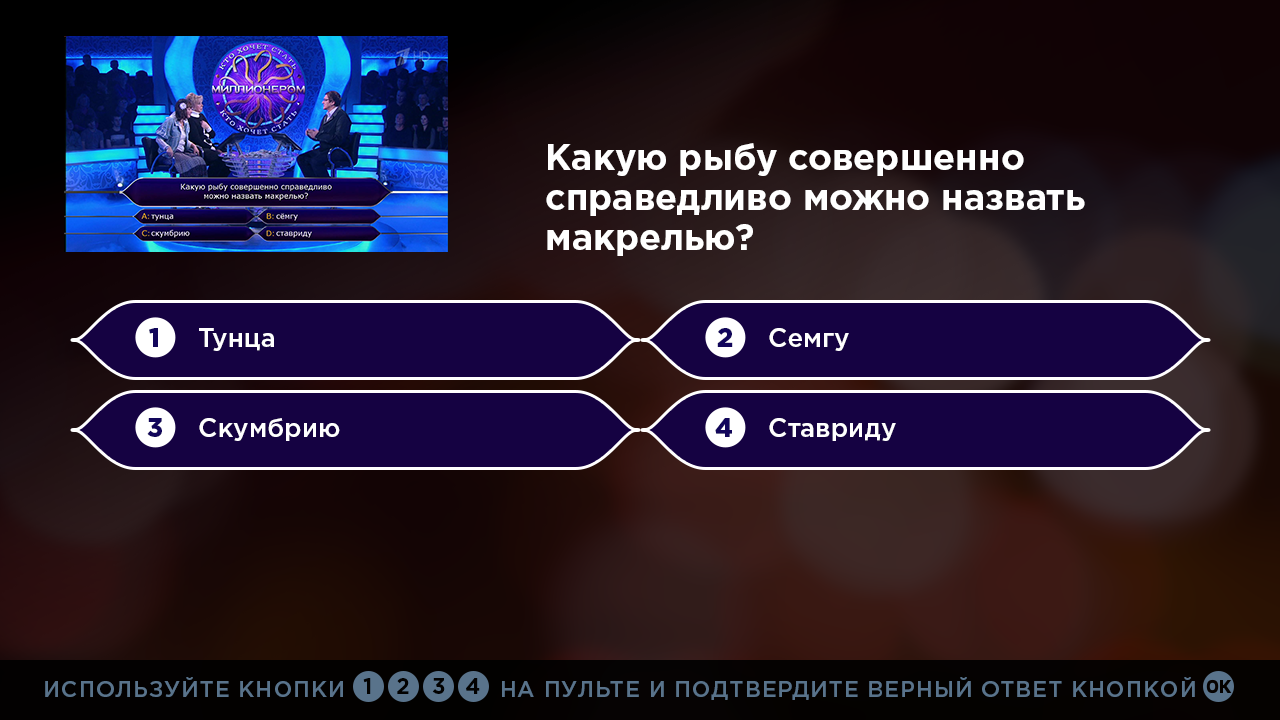
Case Who wants to be a millionaire?
During each episode, viewers answer the same questions as the participants in the show. The best viewers who score points for correct answers receive prizes from the editorial staff of the channel.
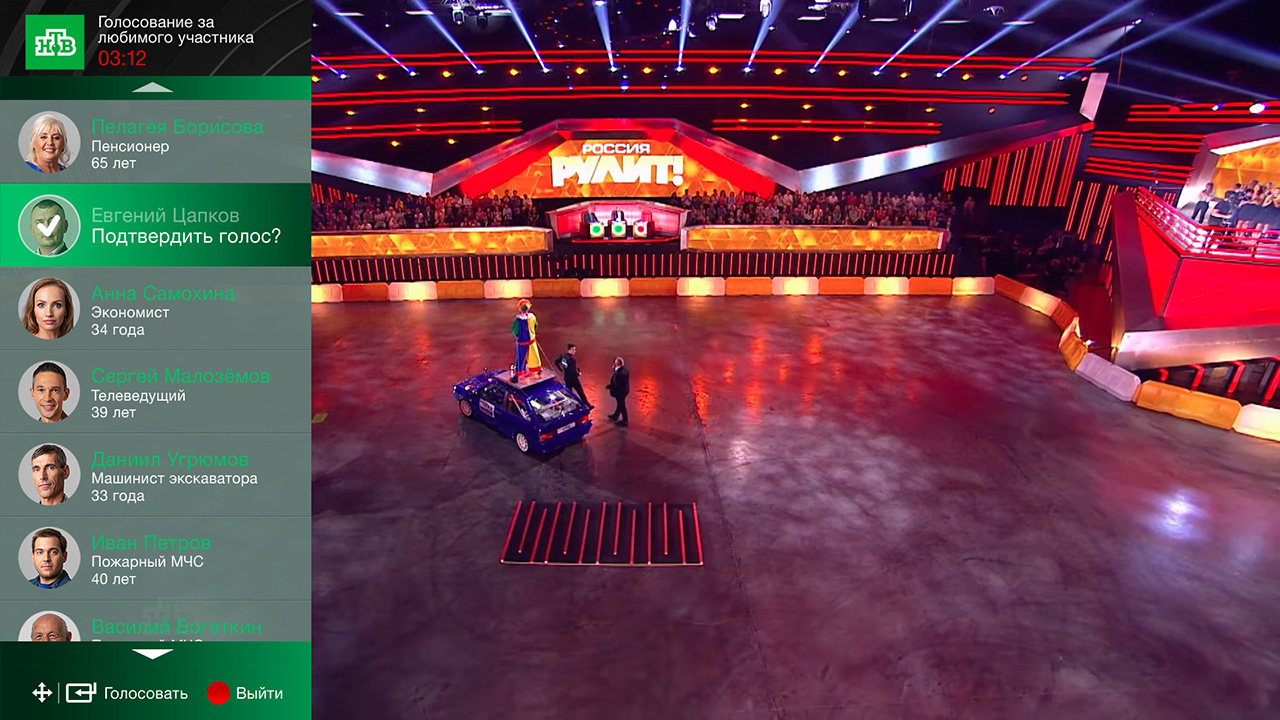
Case Russia rules
In the final of the program, viewers get the opportunity to vote for their favorite participant in the show. The winner of the vote receives the audience award.
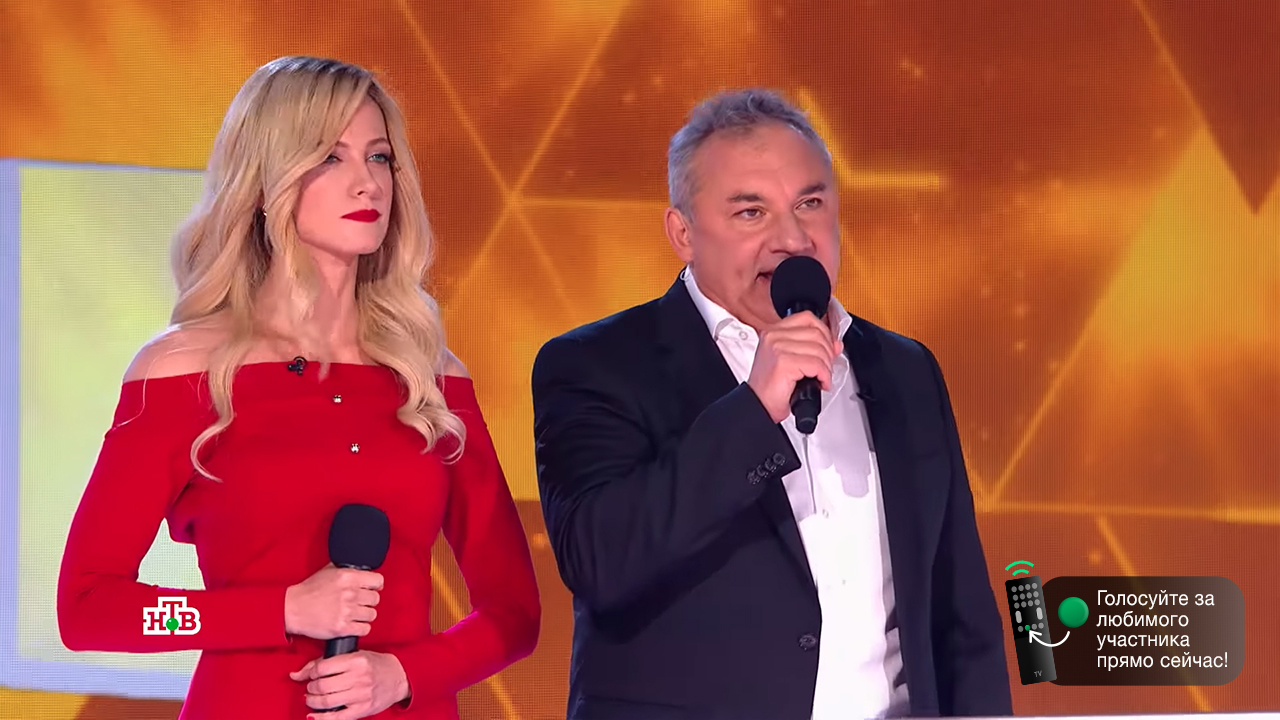
The channel sells sponsored ads integrated into television content.
Case 1XTAP
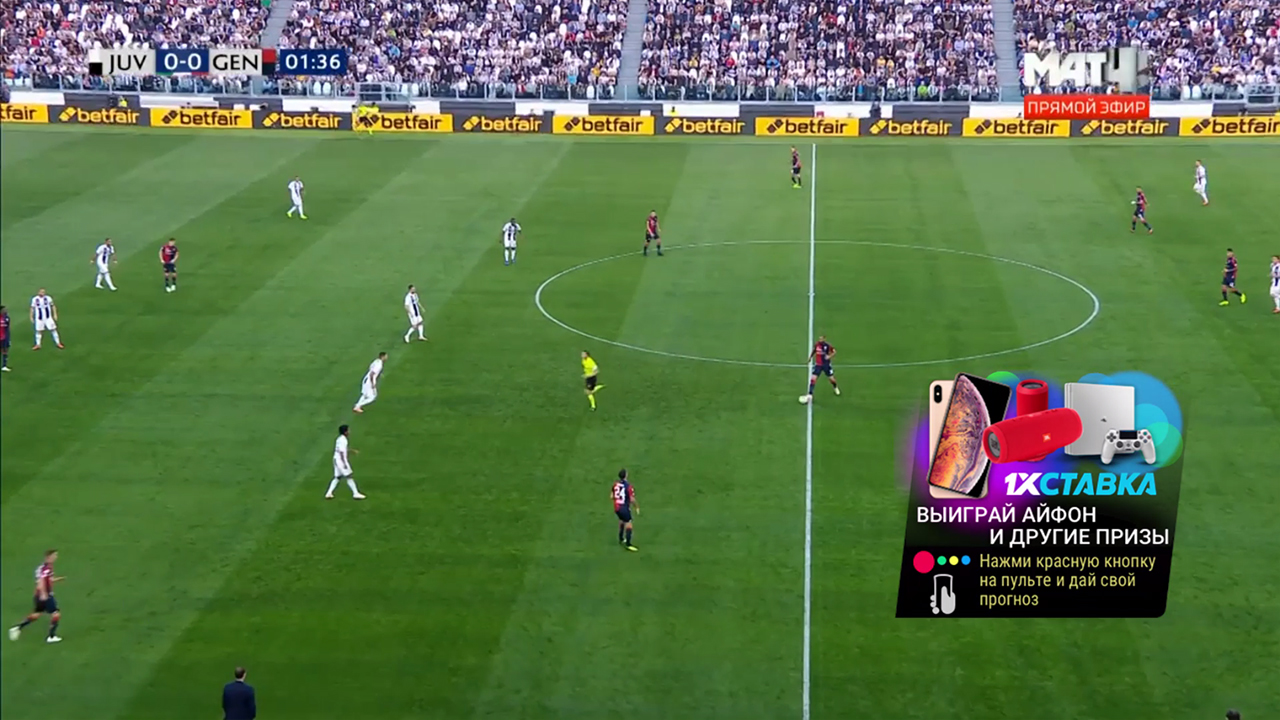
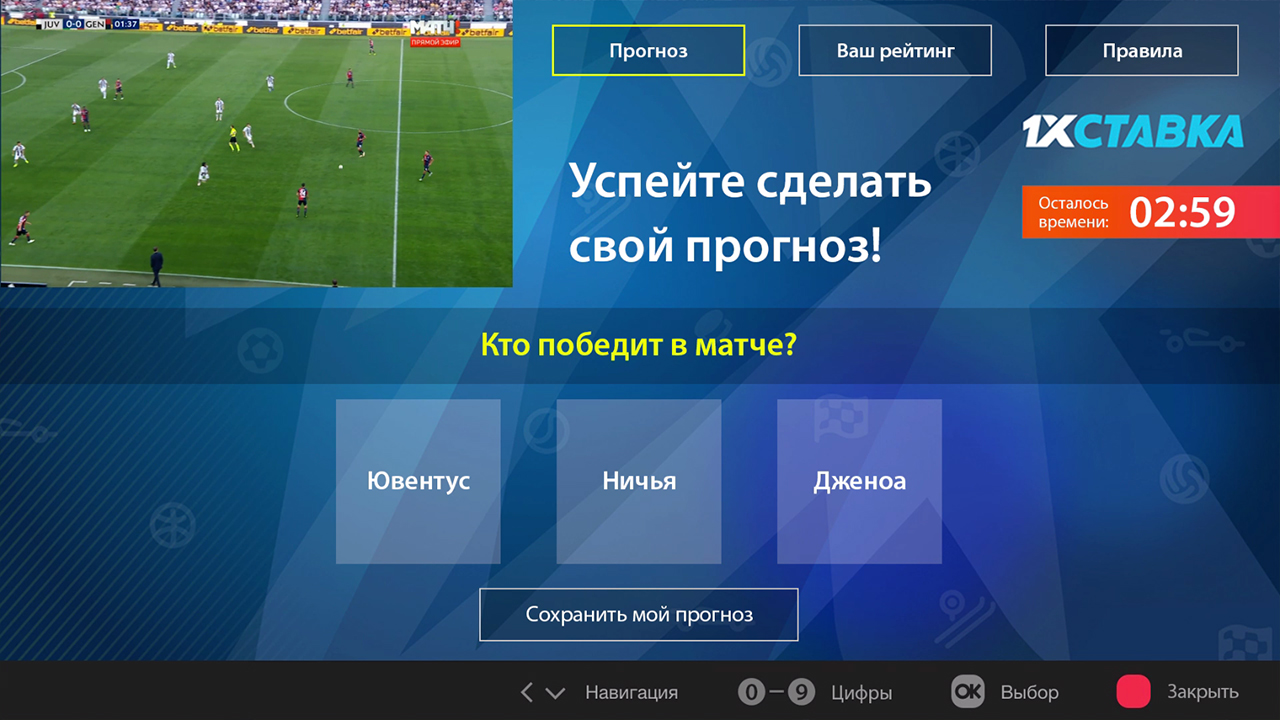
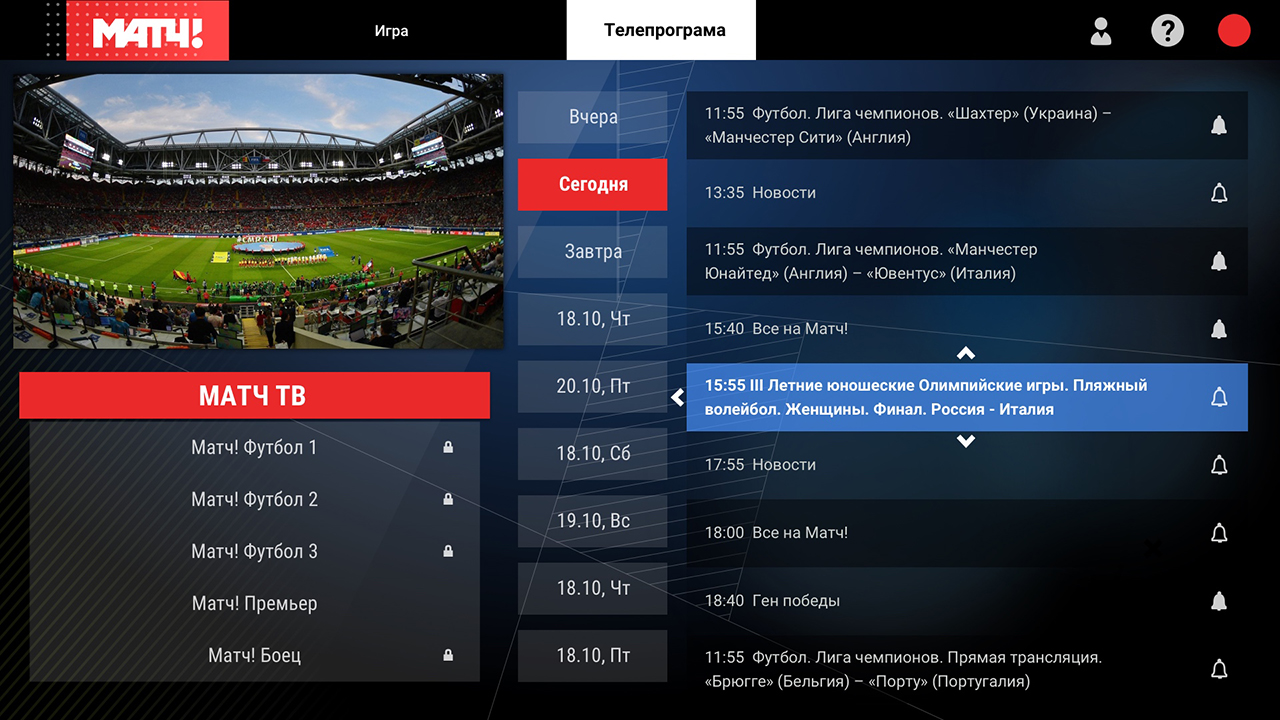
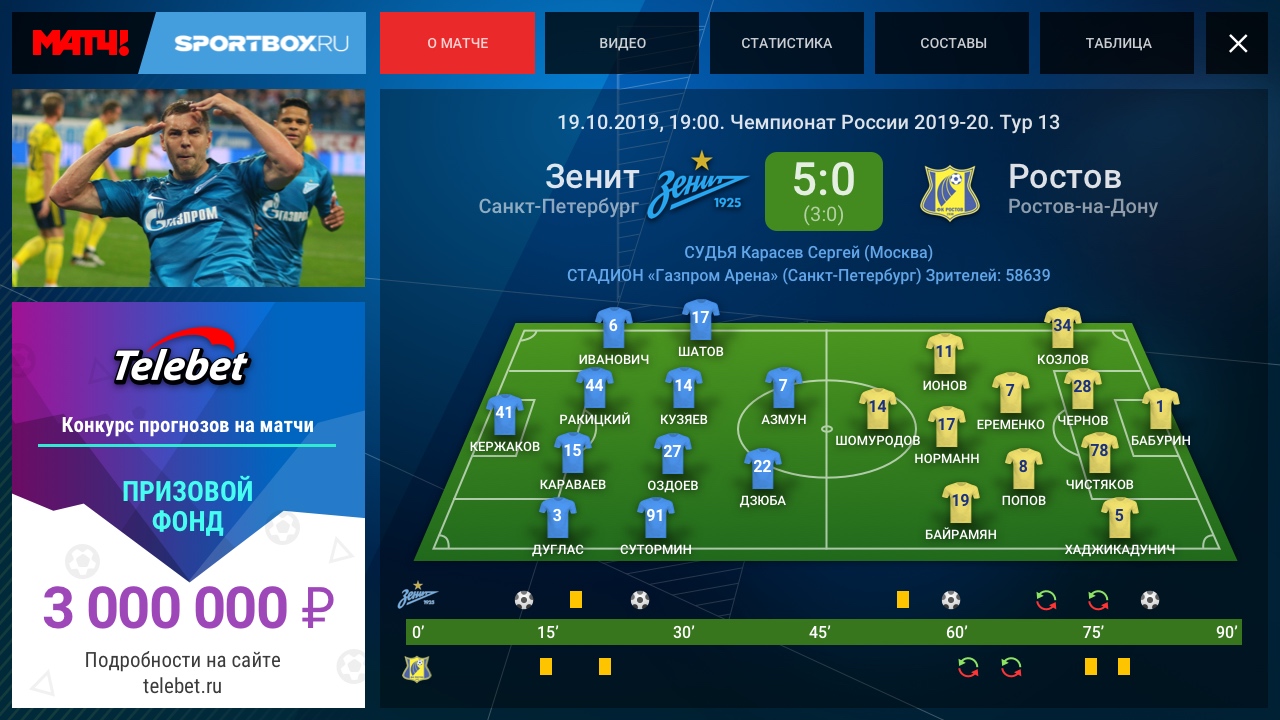
During live sports broadcasts on the Match TV channel, an “informer” appears in the lower right corner of the Smart TV screen, offering the viewer to press the red button on the remote, make a forecast and win a prize. Pressing the red button opens an interactive field for prediction. More than 220 live streams have taken place online, sponsored by 1HSTAVKA.
The channel sells an interactive “overlay” displayed on top of a promotional or sponsored video.
Case Renault
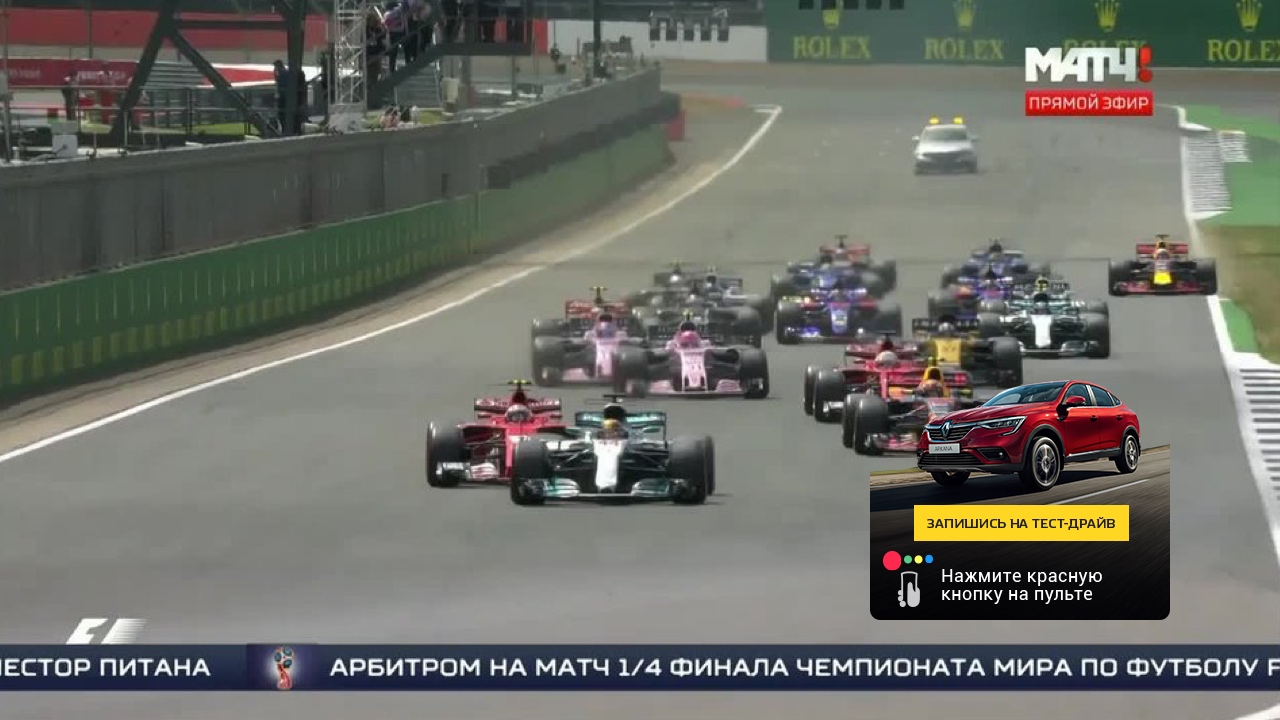
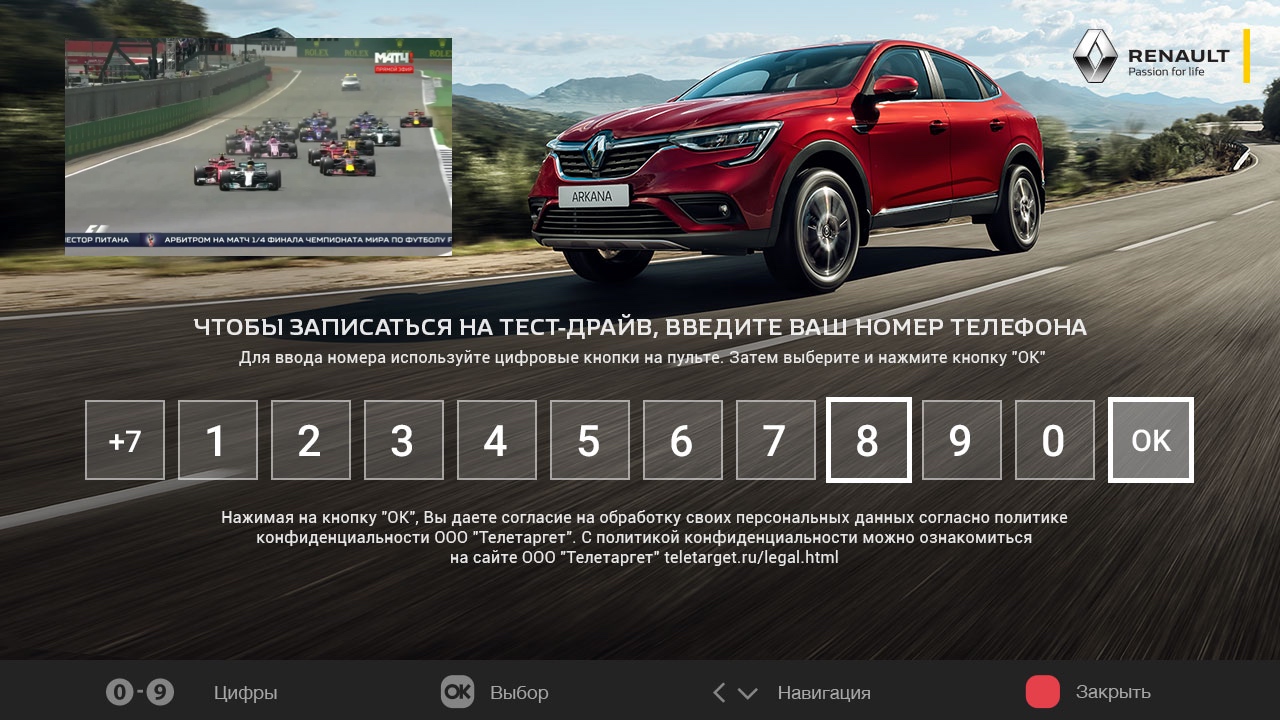
During the broadcast of sponsored content, an interactive “informer” appears in the lower right corner, offering to click on the red button on the TV remote and get additional information about the advertised product. Pressing the button reveals an information field describing the new Renault model. The viewer is asked to leave his contacts to record for the drive test.
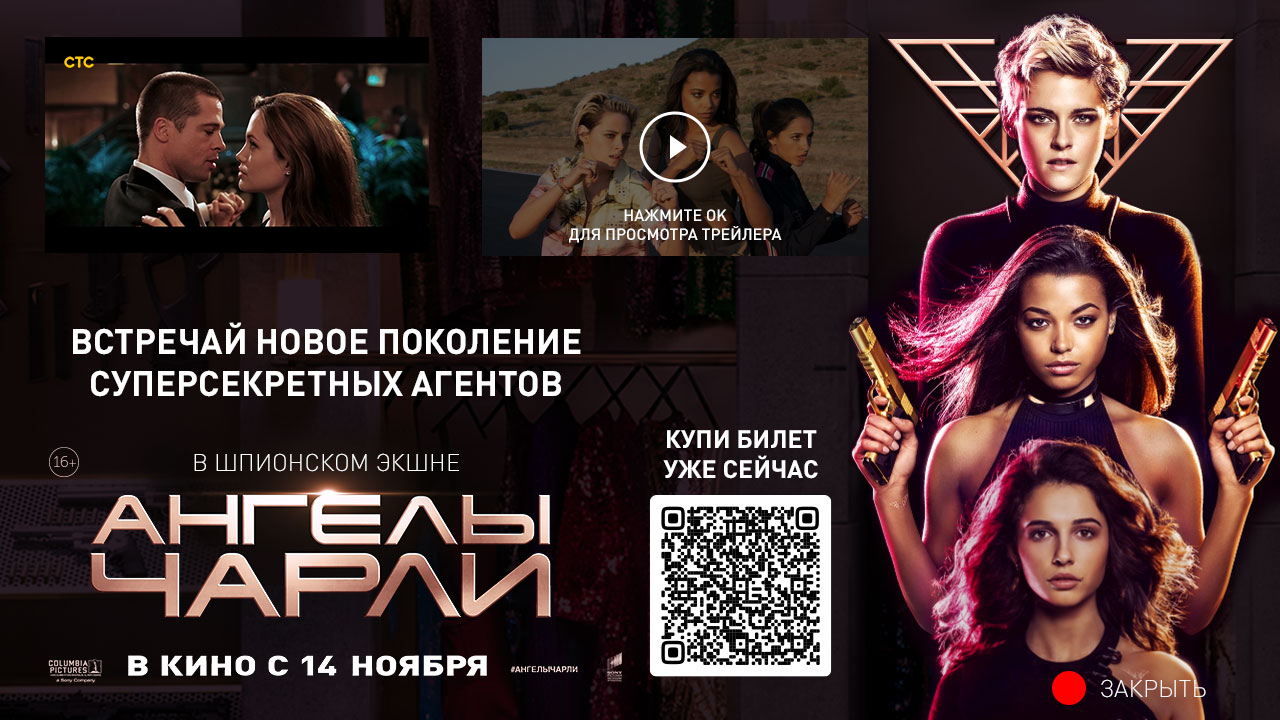
Case Charlie's Angels
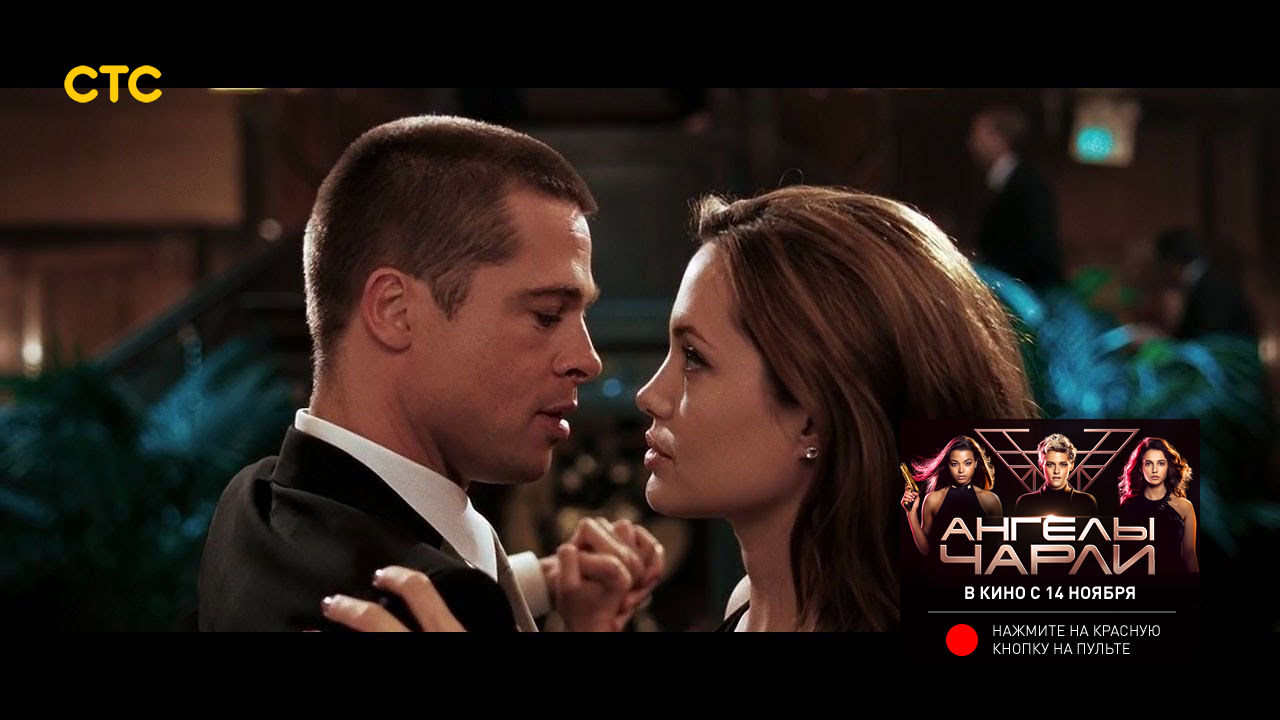
The interactive format allows viewers to watch the trailer of a new movie, as well as purchase a ticket to the cinema at a discount.
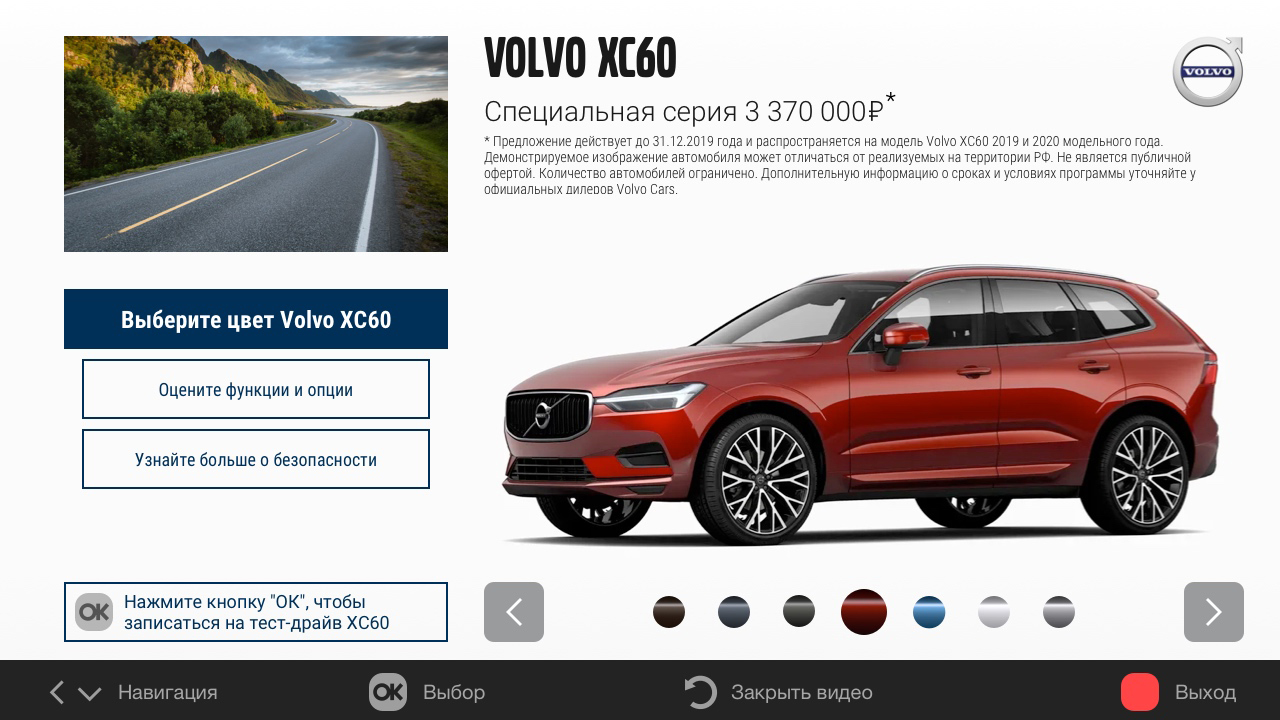
Volvo case
A detailed micro-site with a description of the car model, its advantages and capabilities, with a choice of body color and additional options. Viewers have the opportunity to sign up for a test drive model.

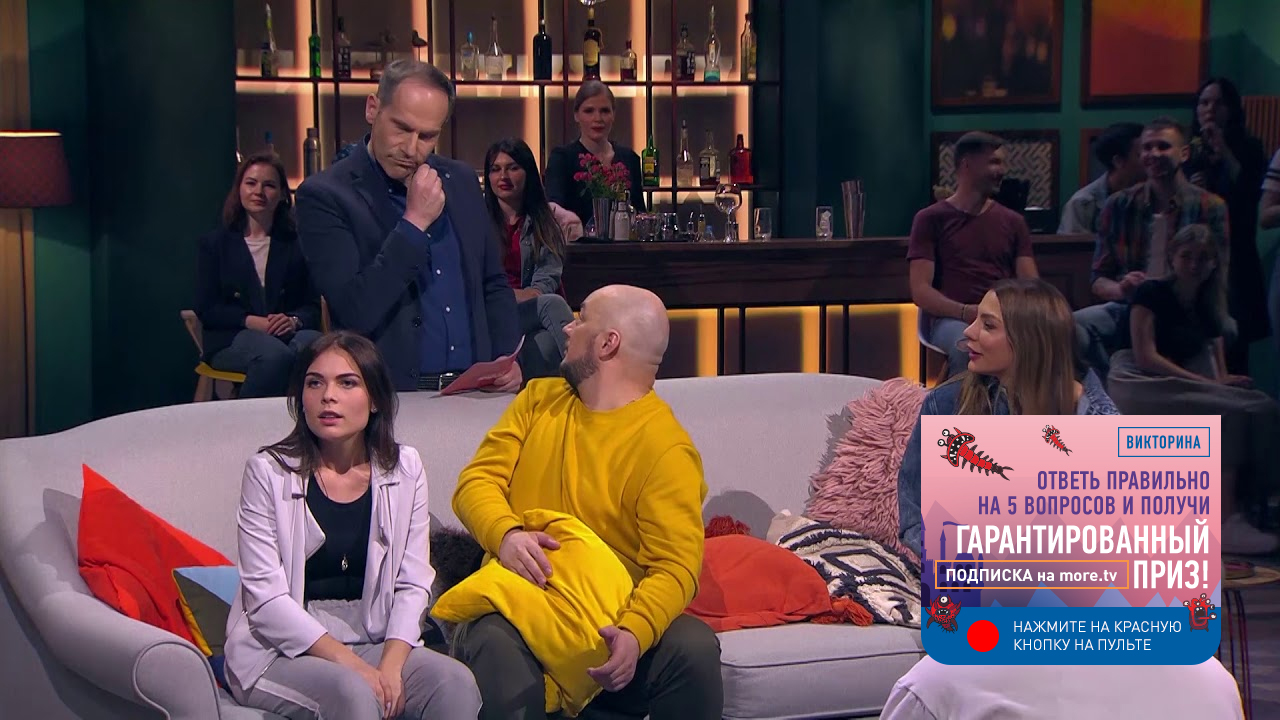
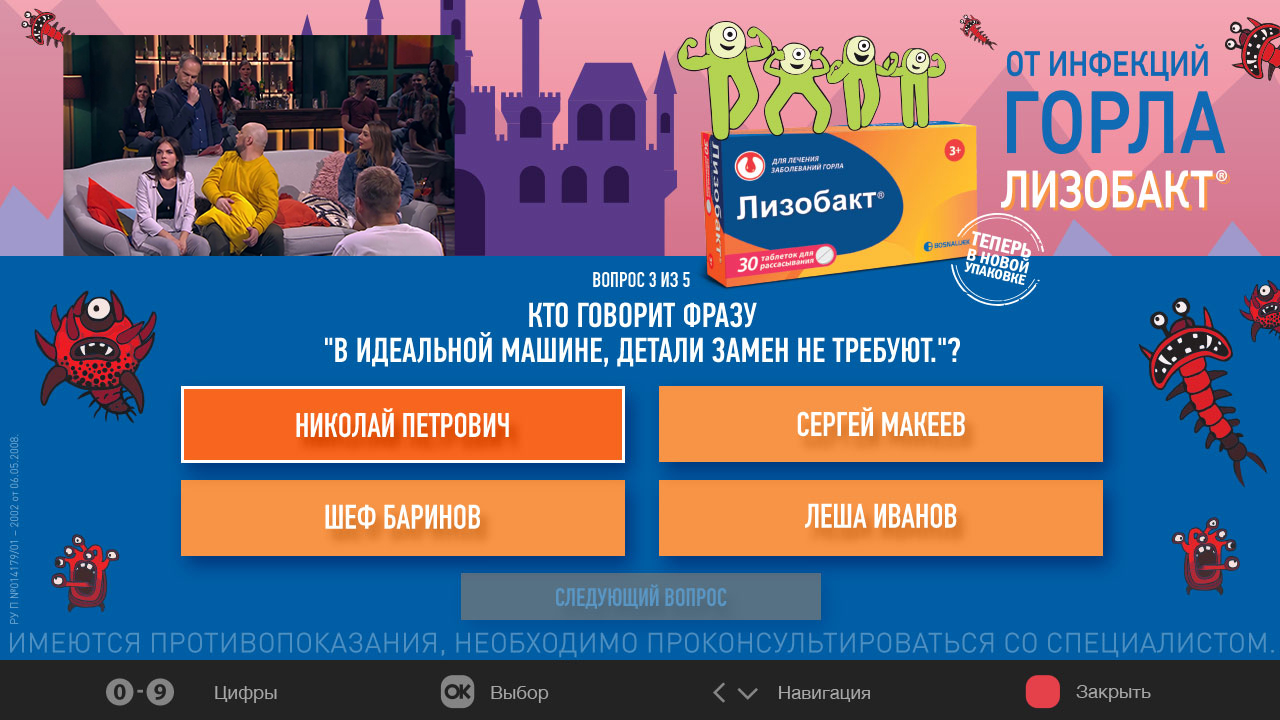
Case Lizobact
A fascinating quiz for viewers, consisting of five questions. The reward for the correct answers is a promo code for subscription in the online cinema.
The viewer gets the opportunity to get an individual discount on the goods, which is part of the plot. Once the mobile application is connected to the TV, the user can receive discounts directly to the mobile phone.
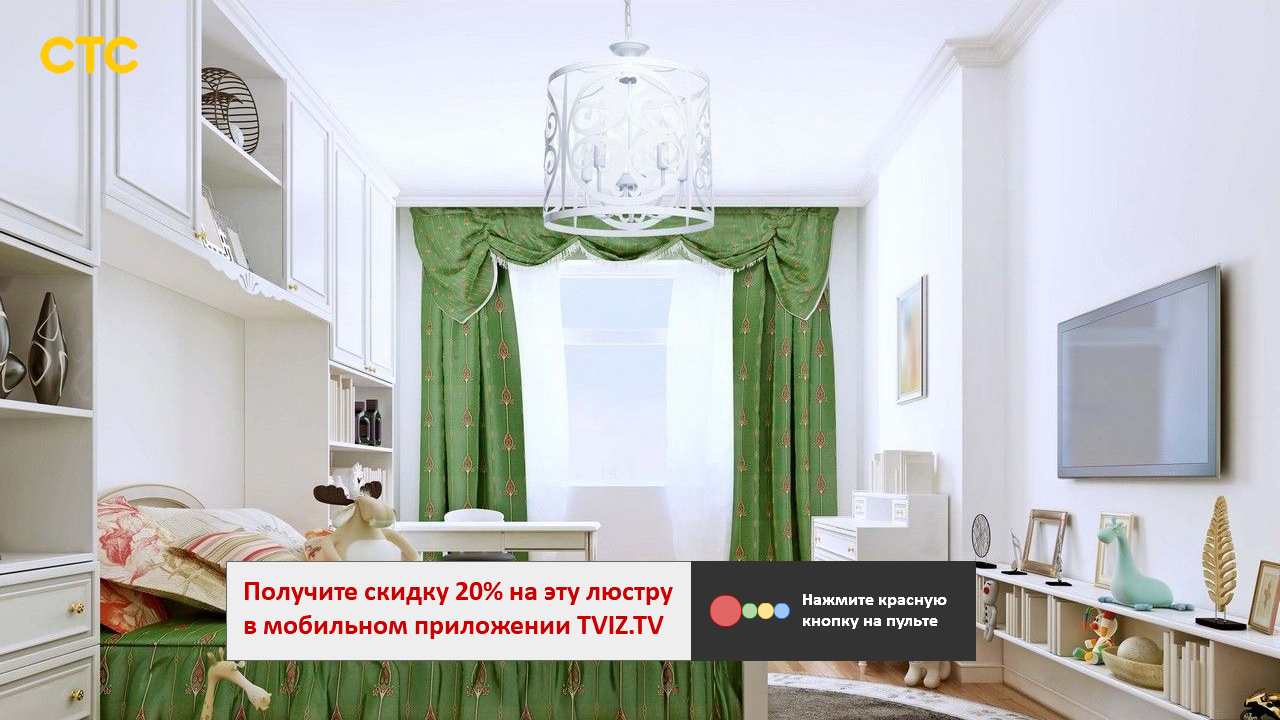
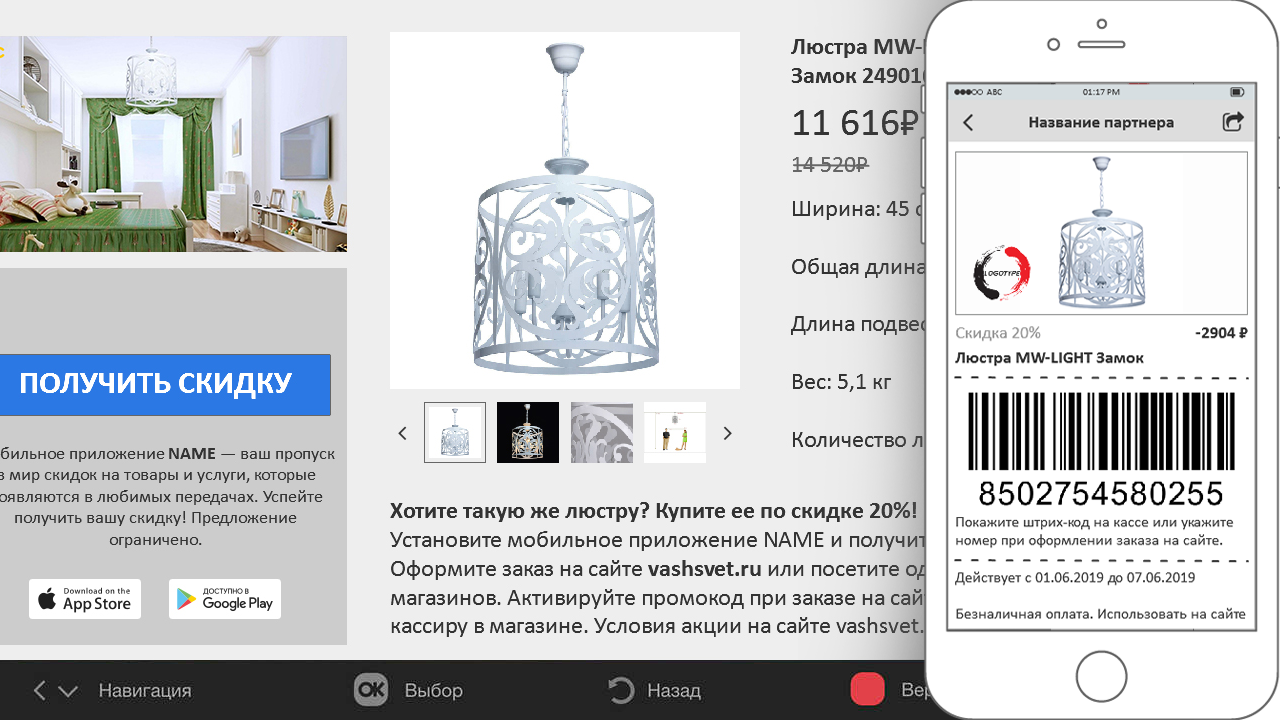
After clicking on the “get a discount” button, Smart TV executes a command on the HBB provider’s server: send an individual barcode to the TV-related mobile application. The barcode is displayed in a special section of the mobile application. The viewer presents a barcode at the box office of the store, or enters into a special field of the online store and receives a discount on a certain product. The discount can be individual.
While watching TV, the viewer has the opportunity to view the news feed of the channel using the buttons of the remote "up", "down", "right", "left". A news section is available for navigation.
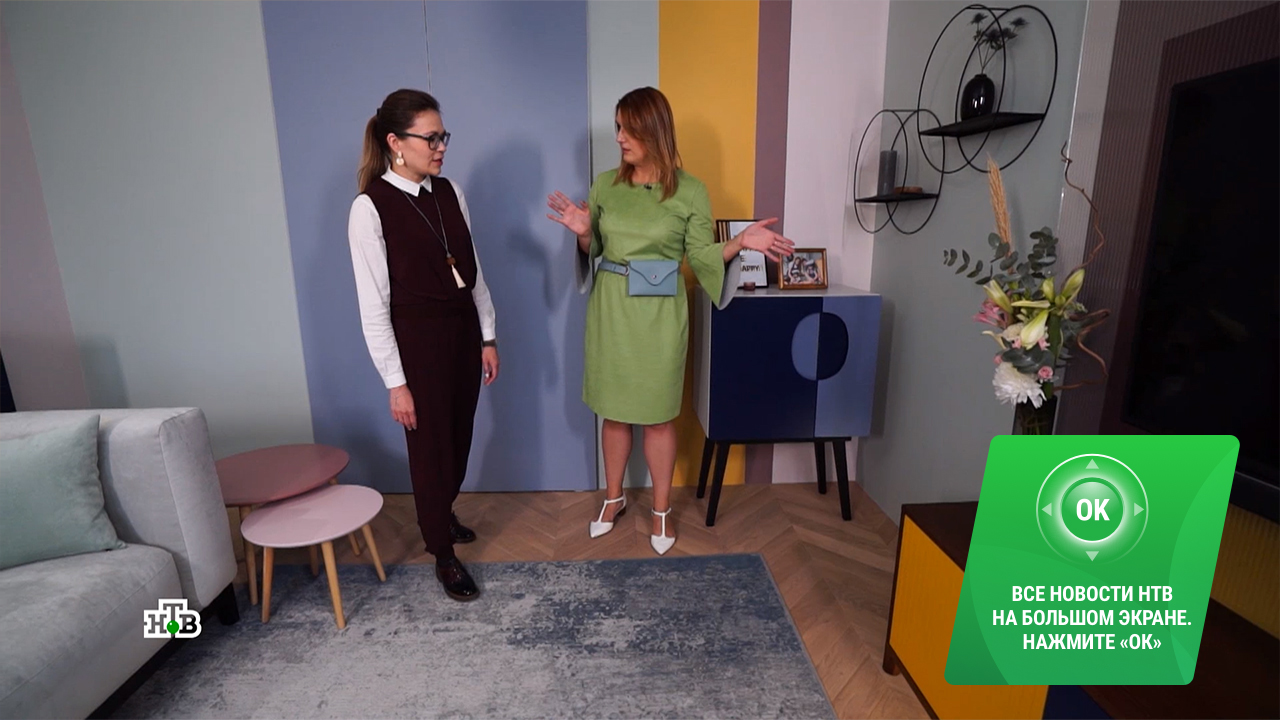
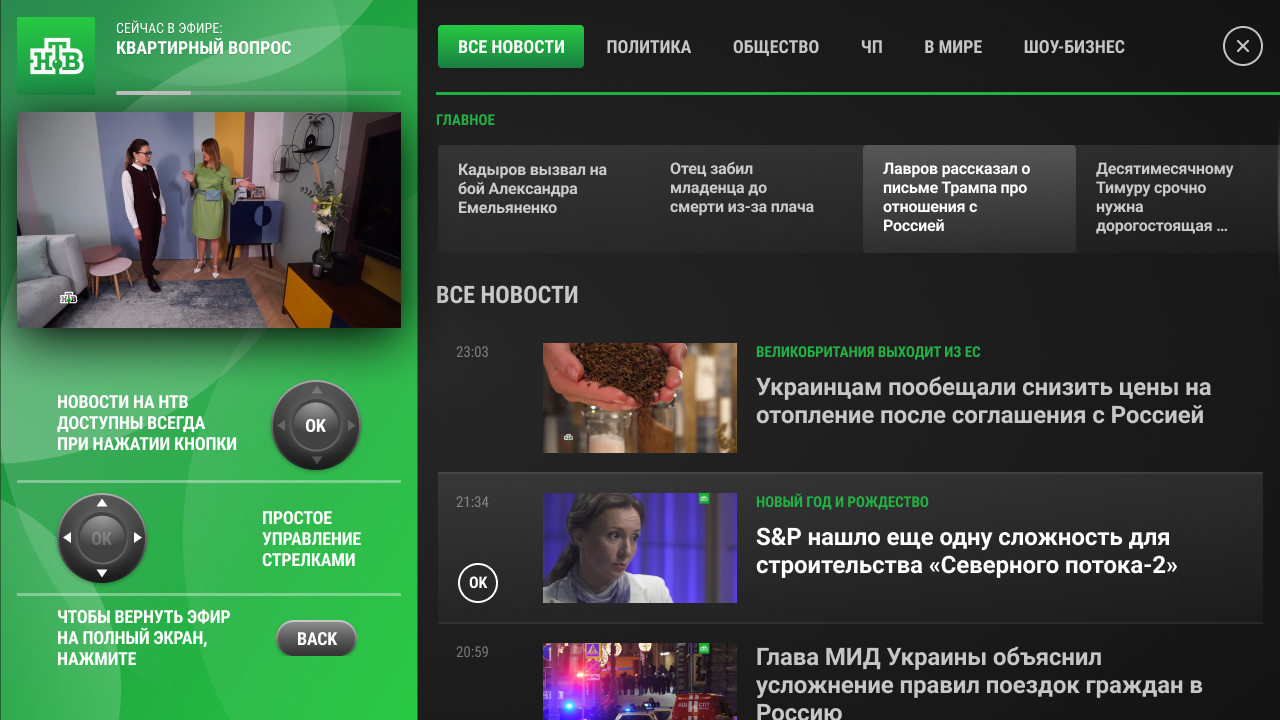
The interactive HbbTV app is available at any time and is displayed when you press the OK button. Just one click!
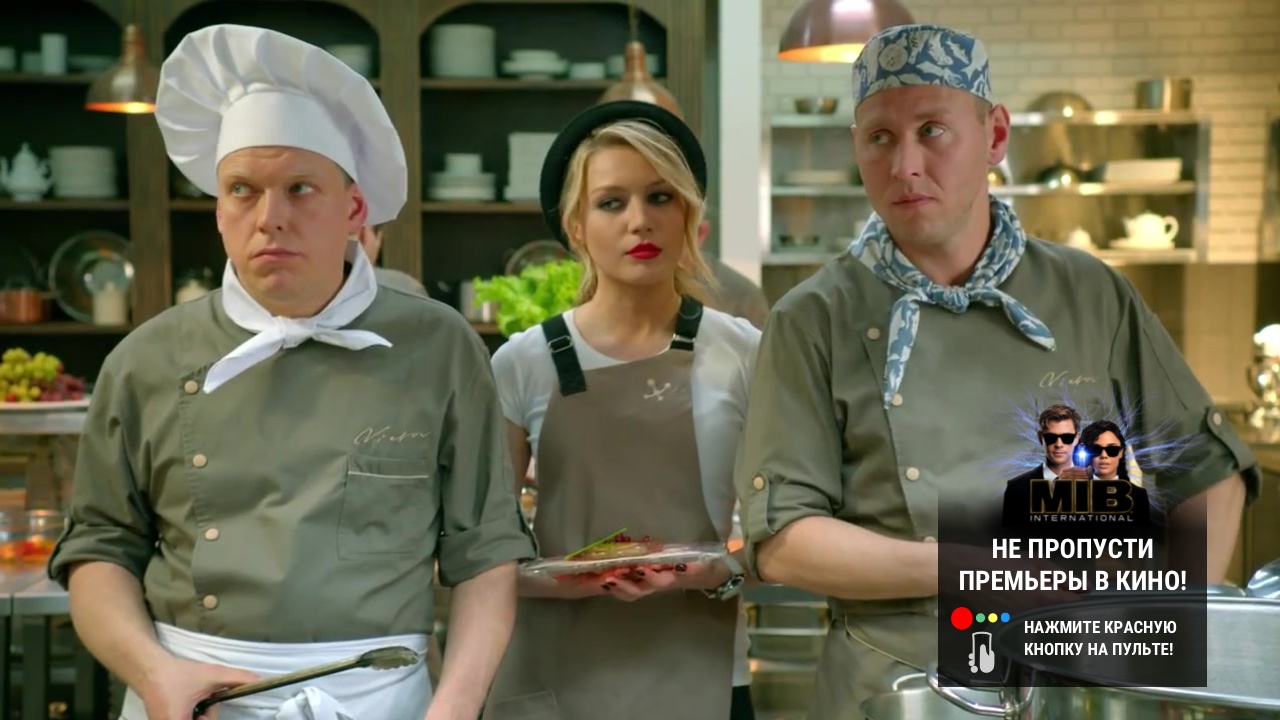
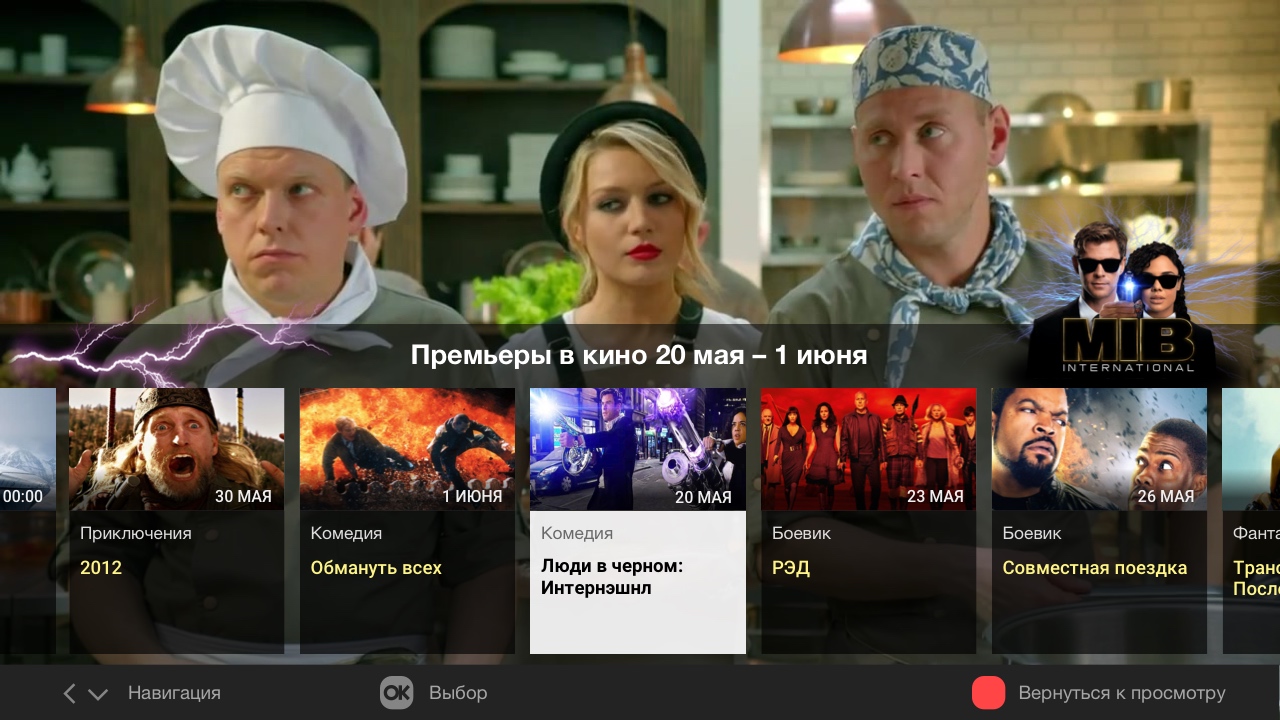
Branded informant “Do not miss the premiere in the movie” notifies about the availability of a new service. When you press the “red button”, the premiere schedule is displayed on the screen. The schedule can be scrolled using the buttons on the remote "right" and "left". By pressing the OK button, you can open the movie card. The sponsored film is located in the center and highlighted in color. It is possible to view trailers.
HBB TV technology is available on the Microimpuls Smarty and Smarty Lite platform for all customers without the need to purchase additional modules or licenses. For activation and configuration of the service, you can send a request using the form below.
Send a request
